
Notes, boards and agents.
Together, on your computer.
Plan on a canvas, write and research with your team, and ask azwu to do the work right where it lives. Your vault stays a folder you own.
An agent that works where you work.
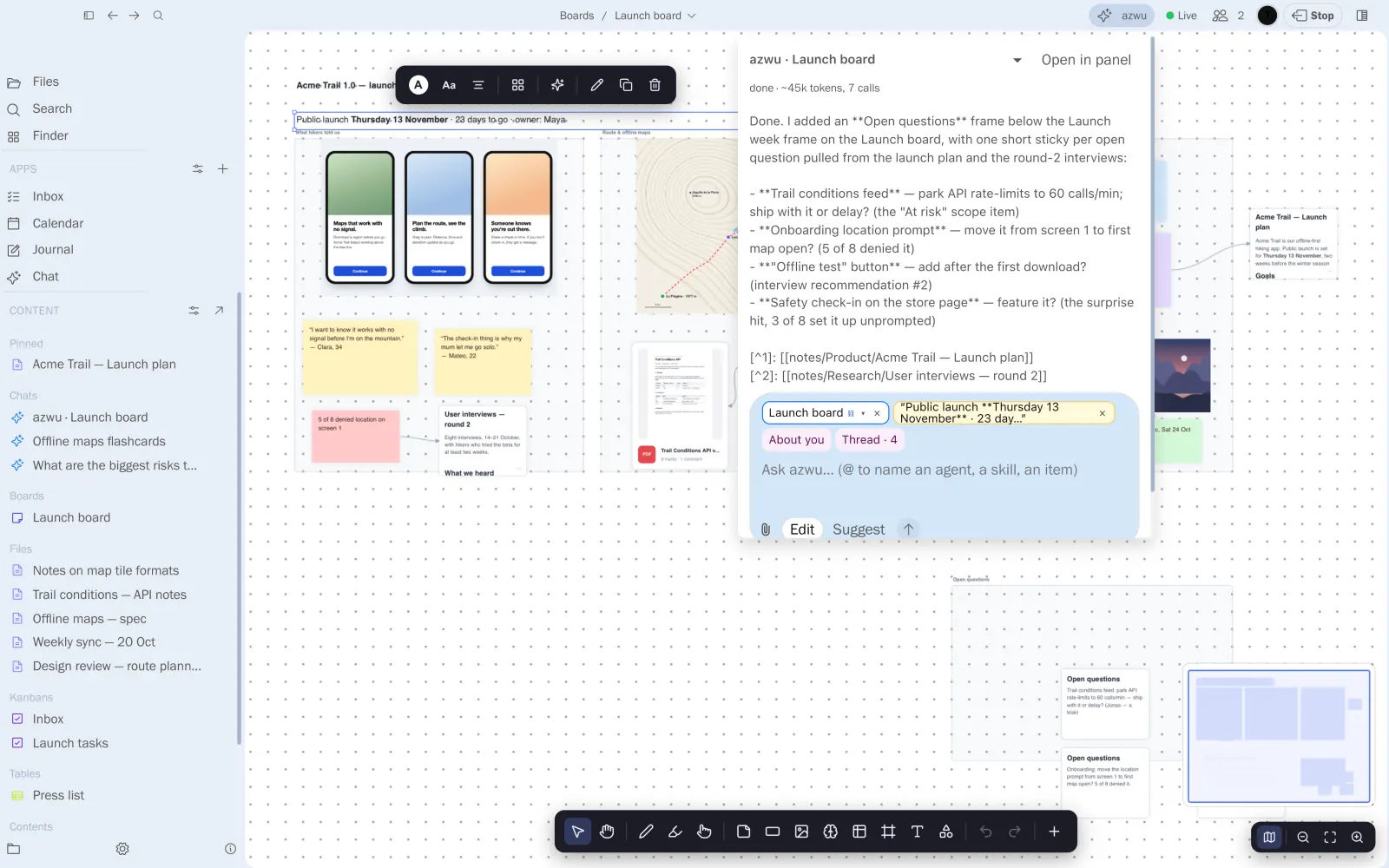
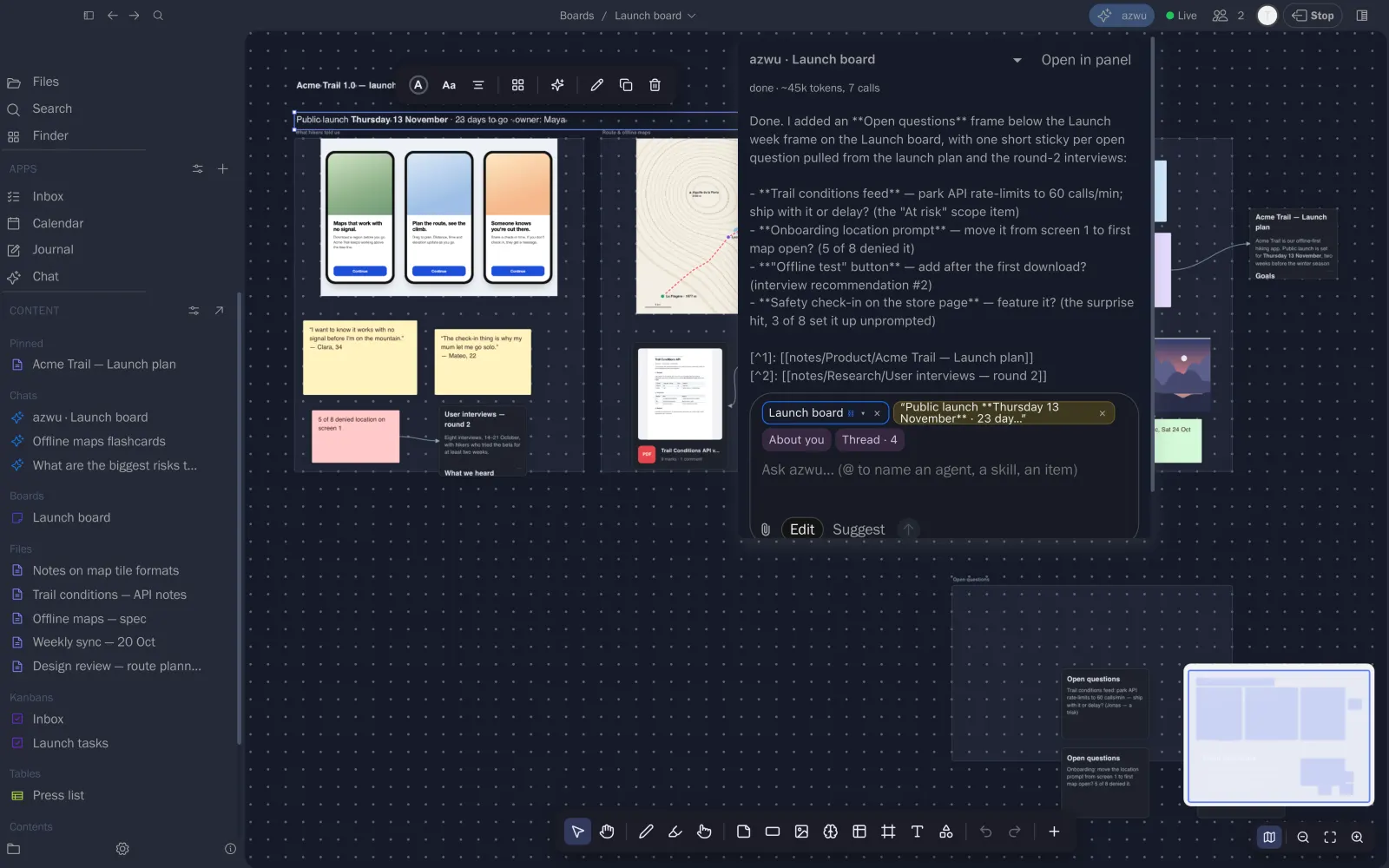
azwu isn’t a chat box on the side. Open it on a board, a note or a PDF and it reads the item, does the work in place, and shows you what it changed.
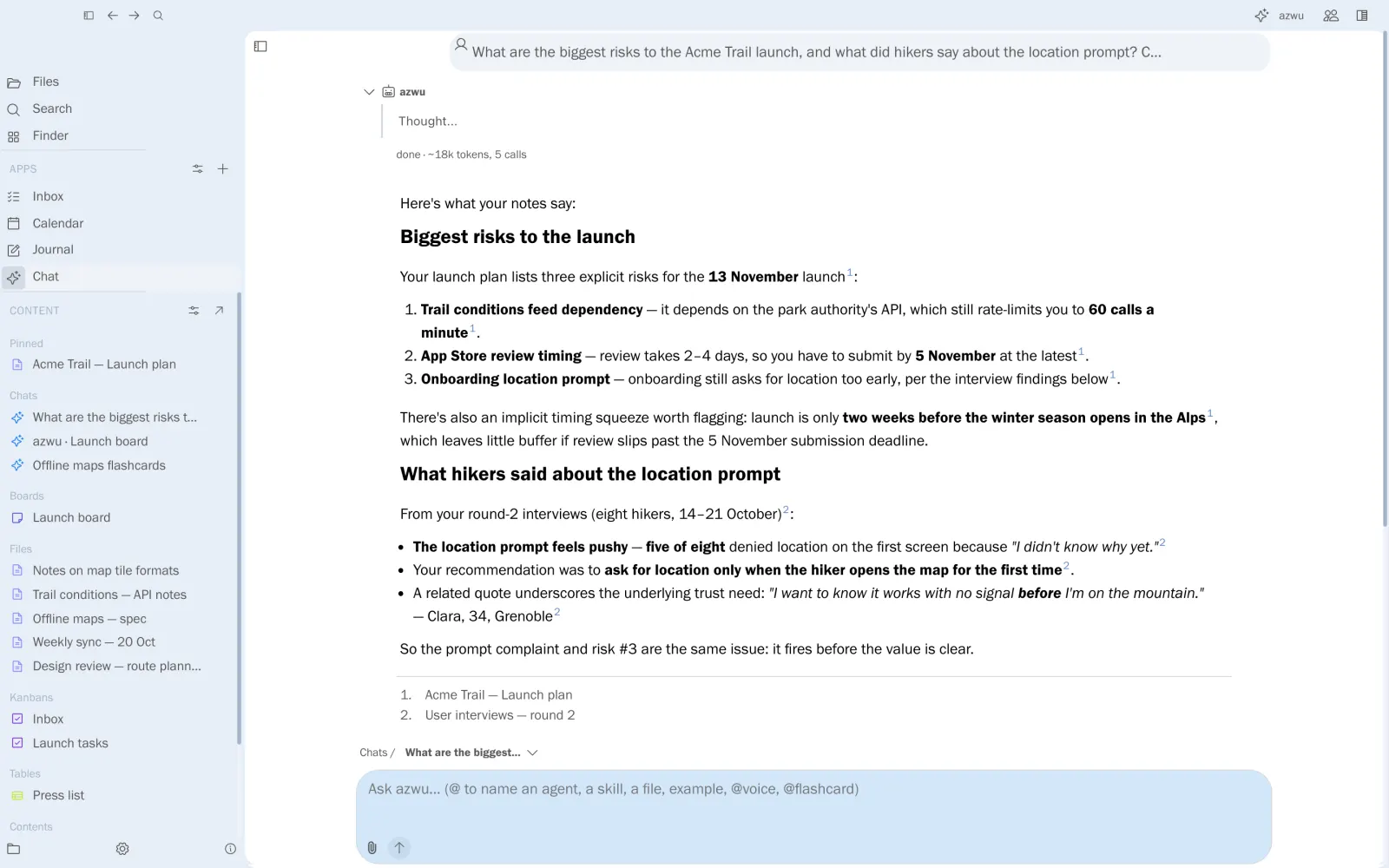
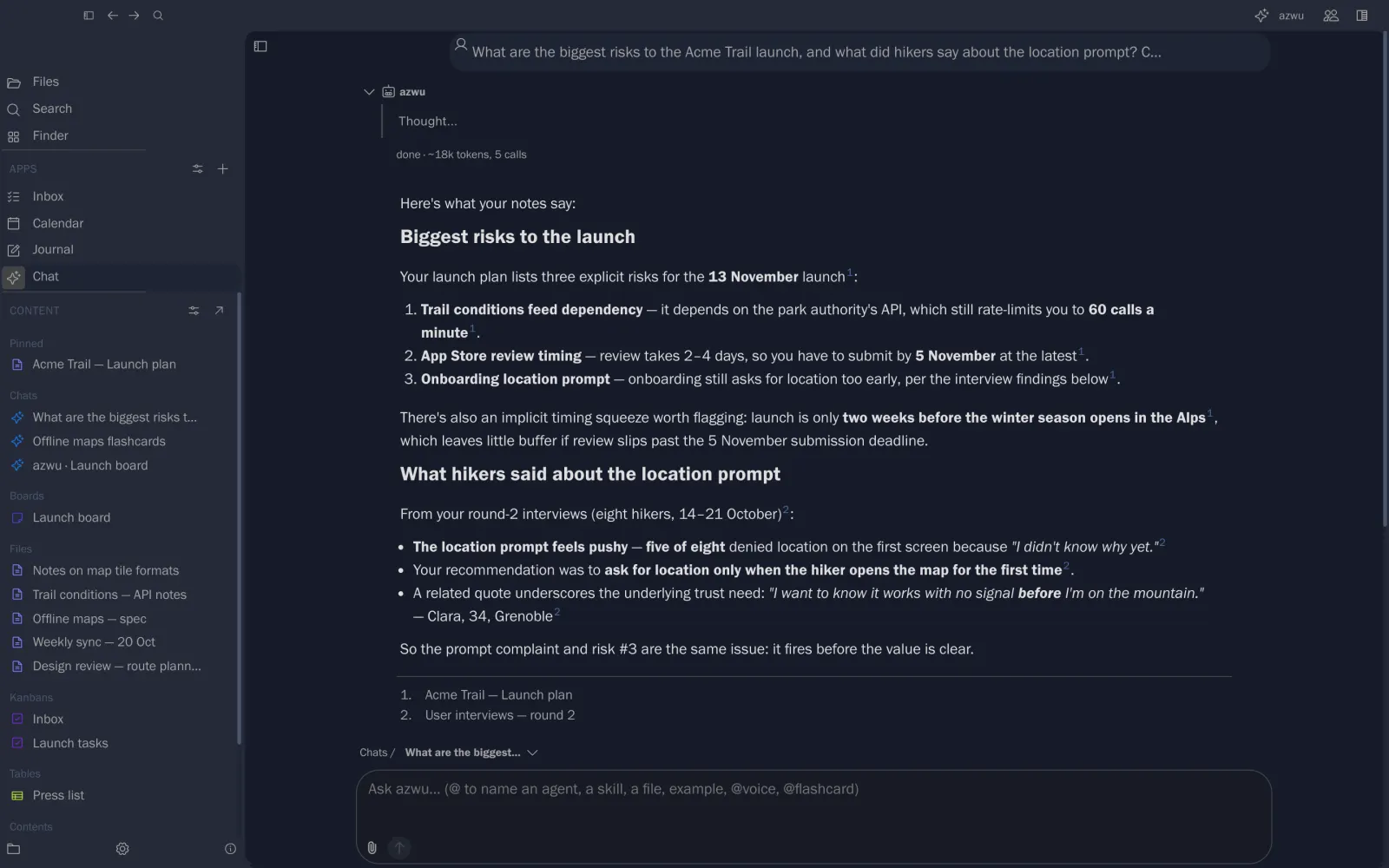
Answers with sources
Ask across the vault and check each claim against its note.
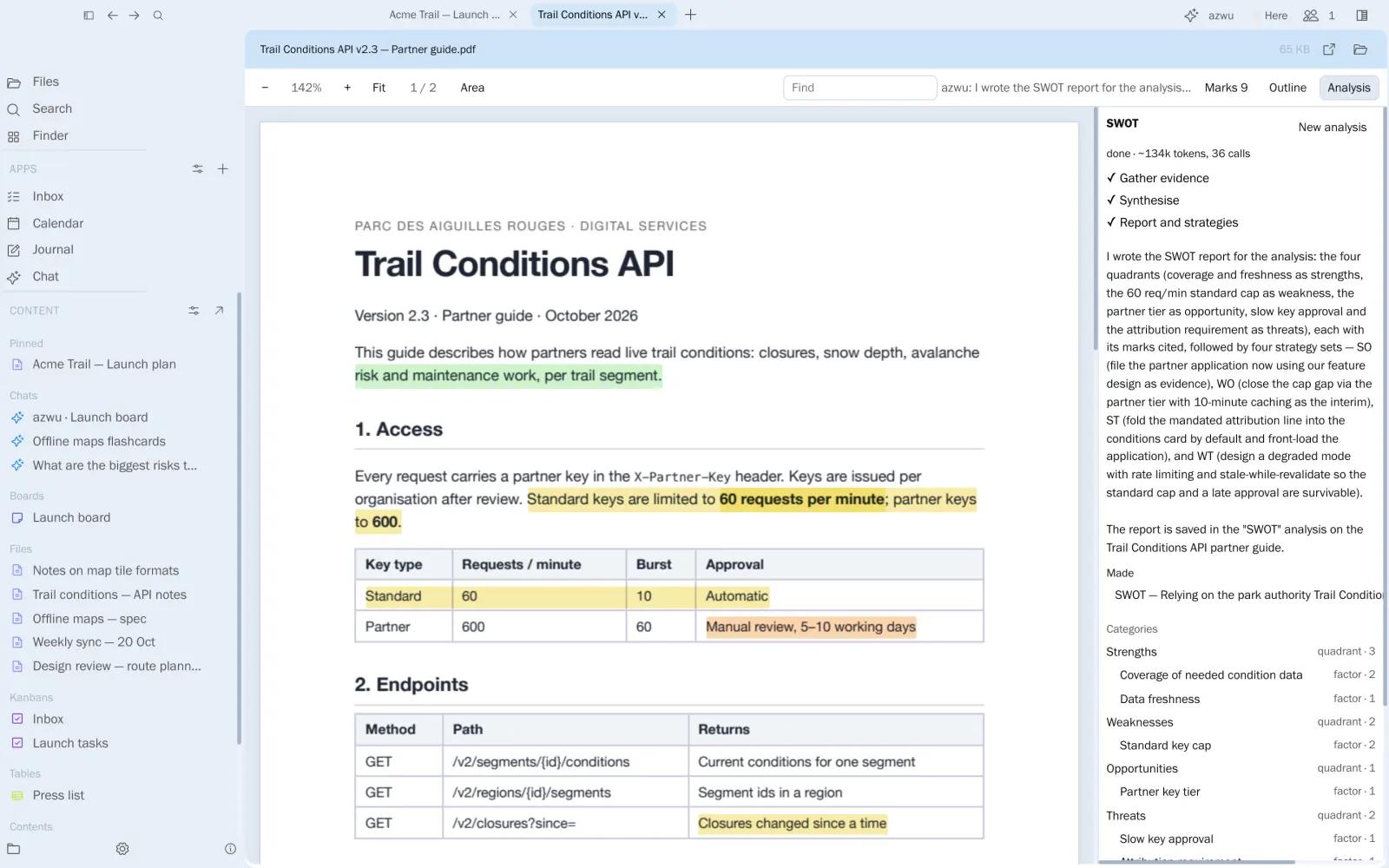
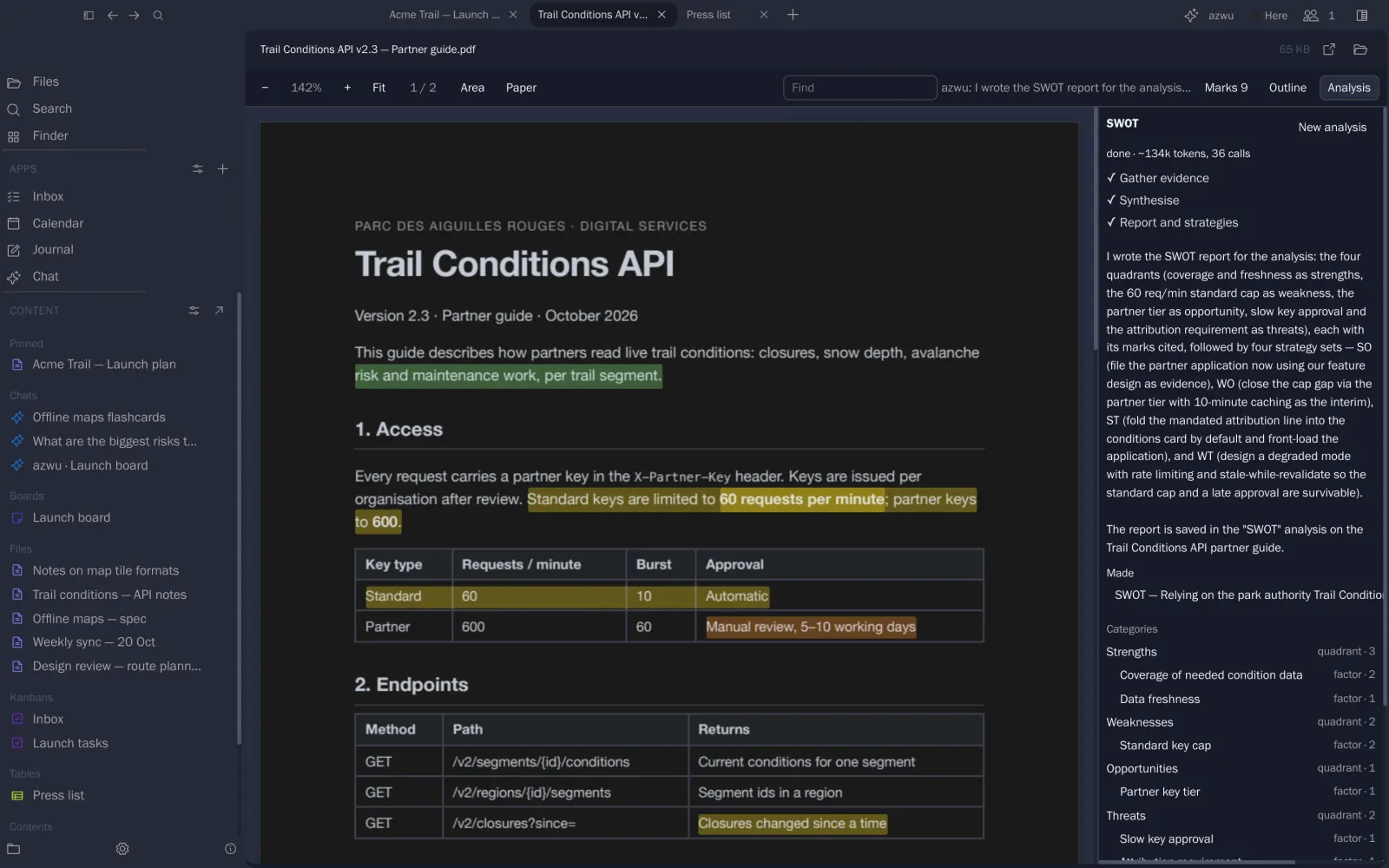
Analyses PDFs
SWOT, thematic analysis or a scientific review, phase by phase.
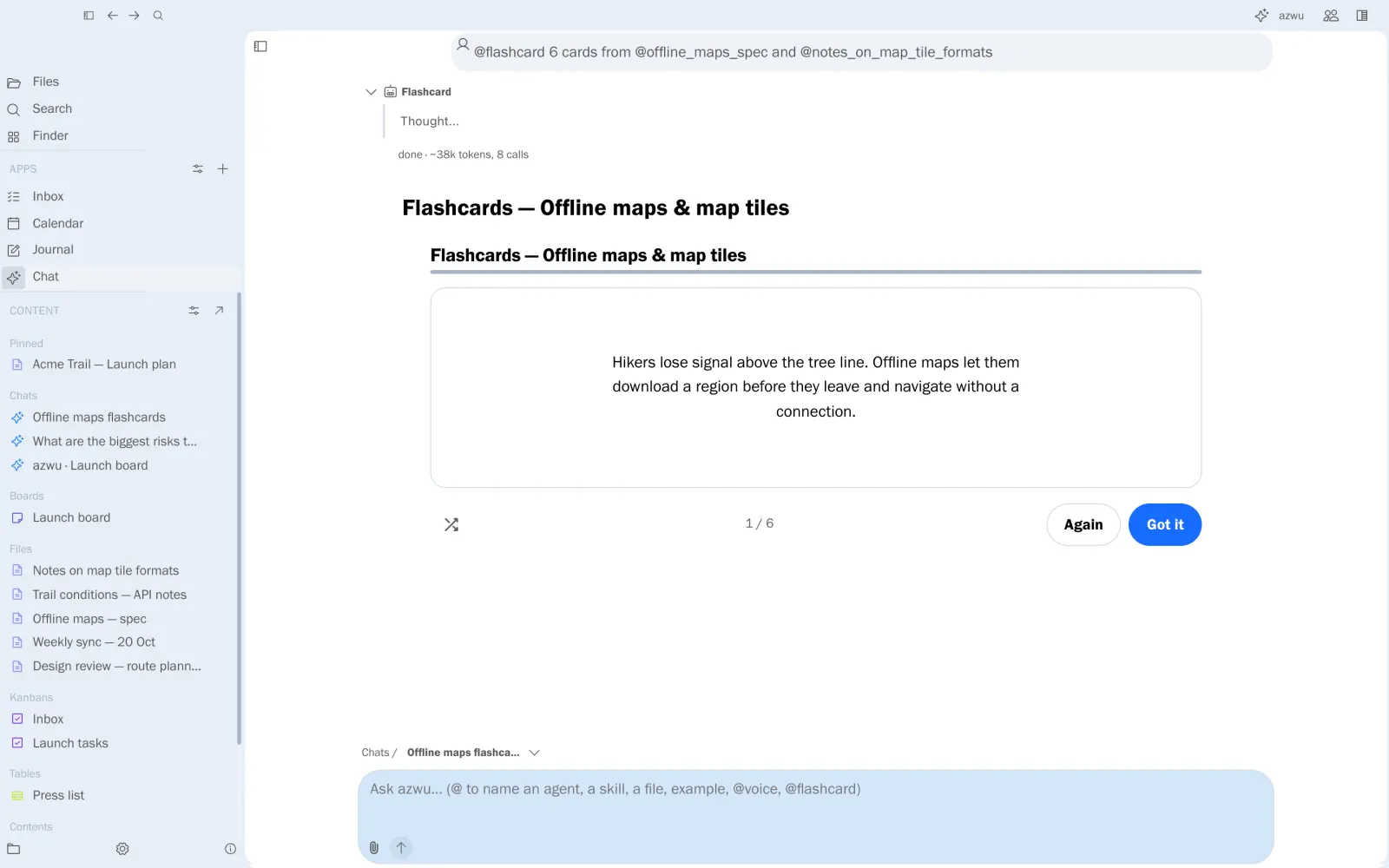
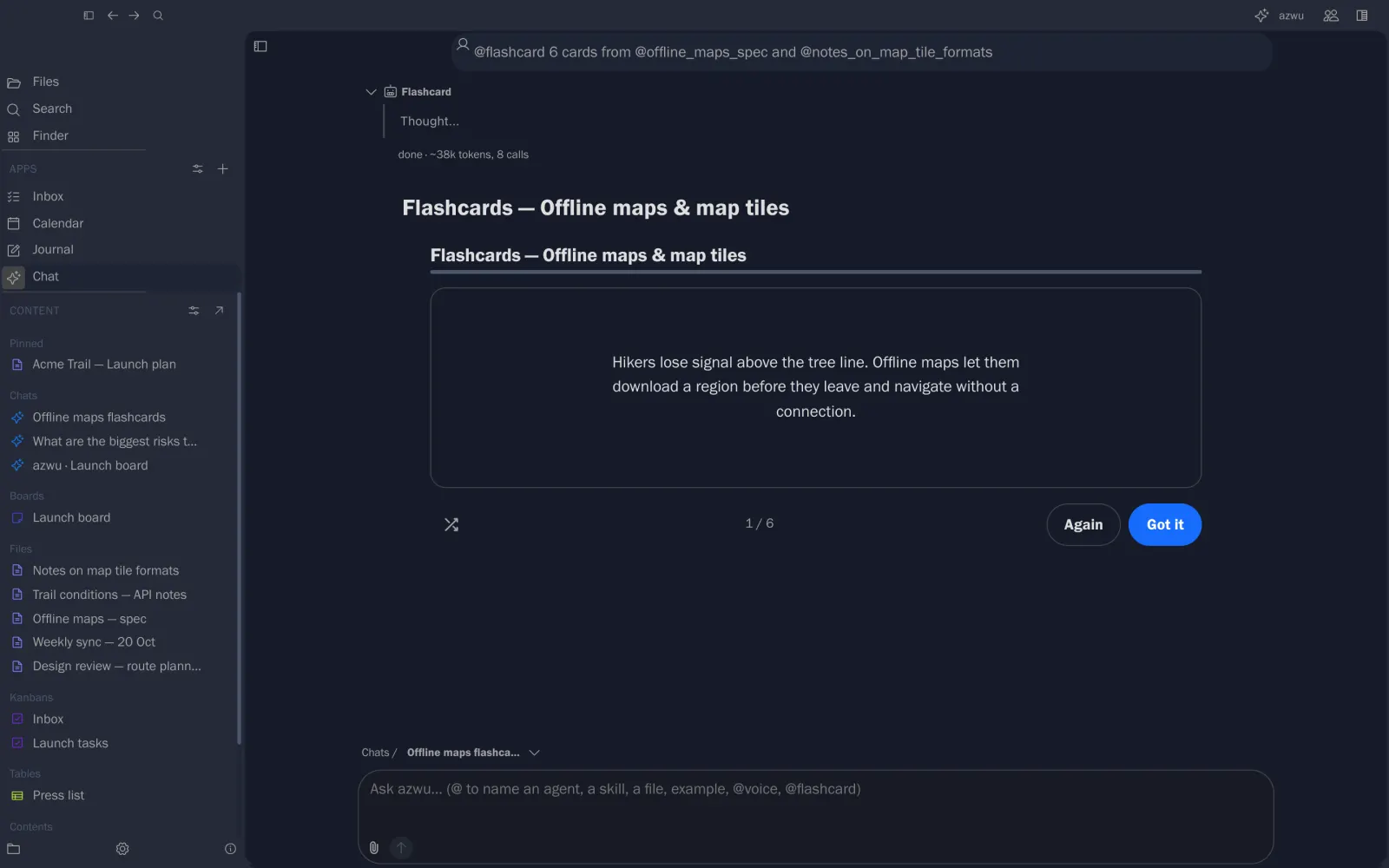
Makes study widgets
@flashcard turns notes into a deck you can practise.
Work live on any surface, not just docs.
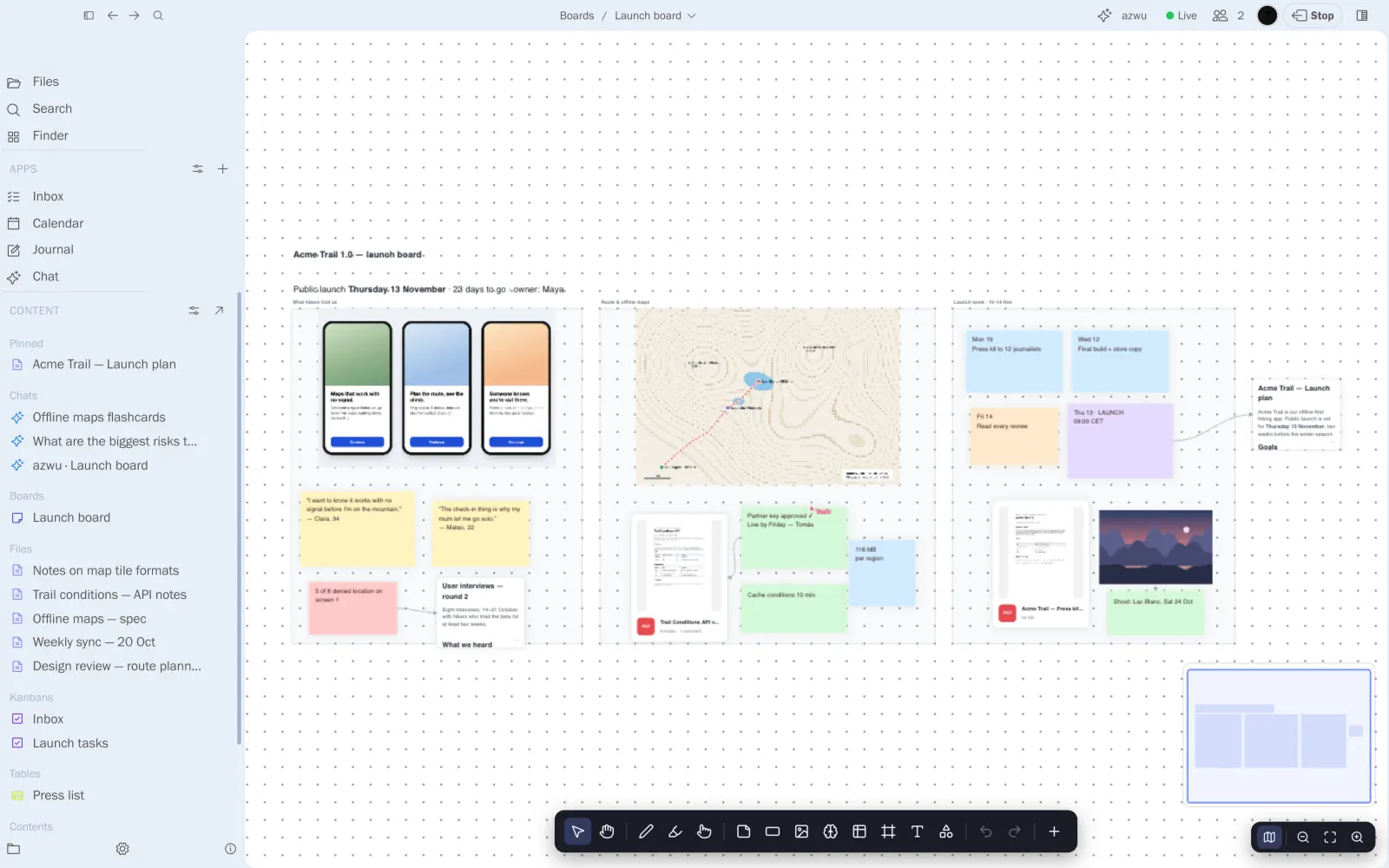
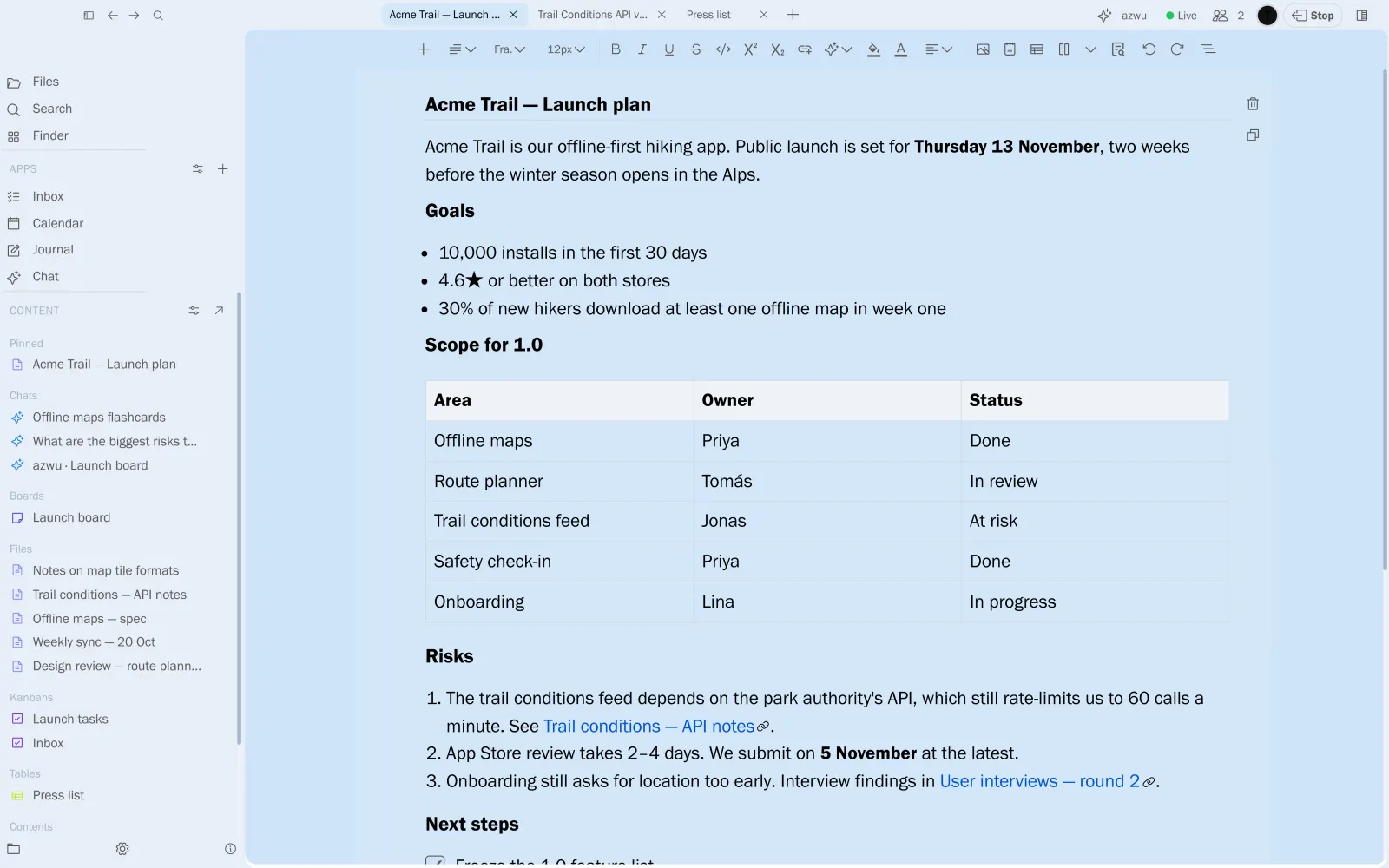
Share a board, a note, a table, a notebook or a chat with one click. Everyone sees cursors and edits as they happen, and azwu can join as another collaborator.
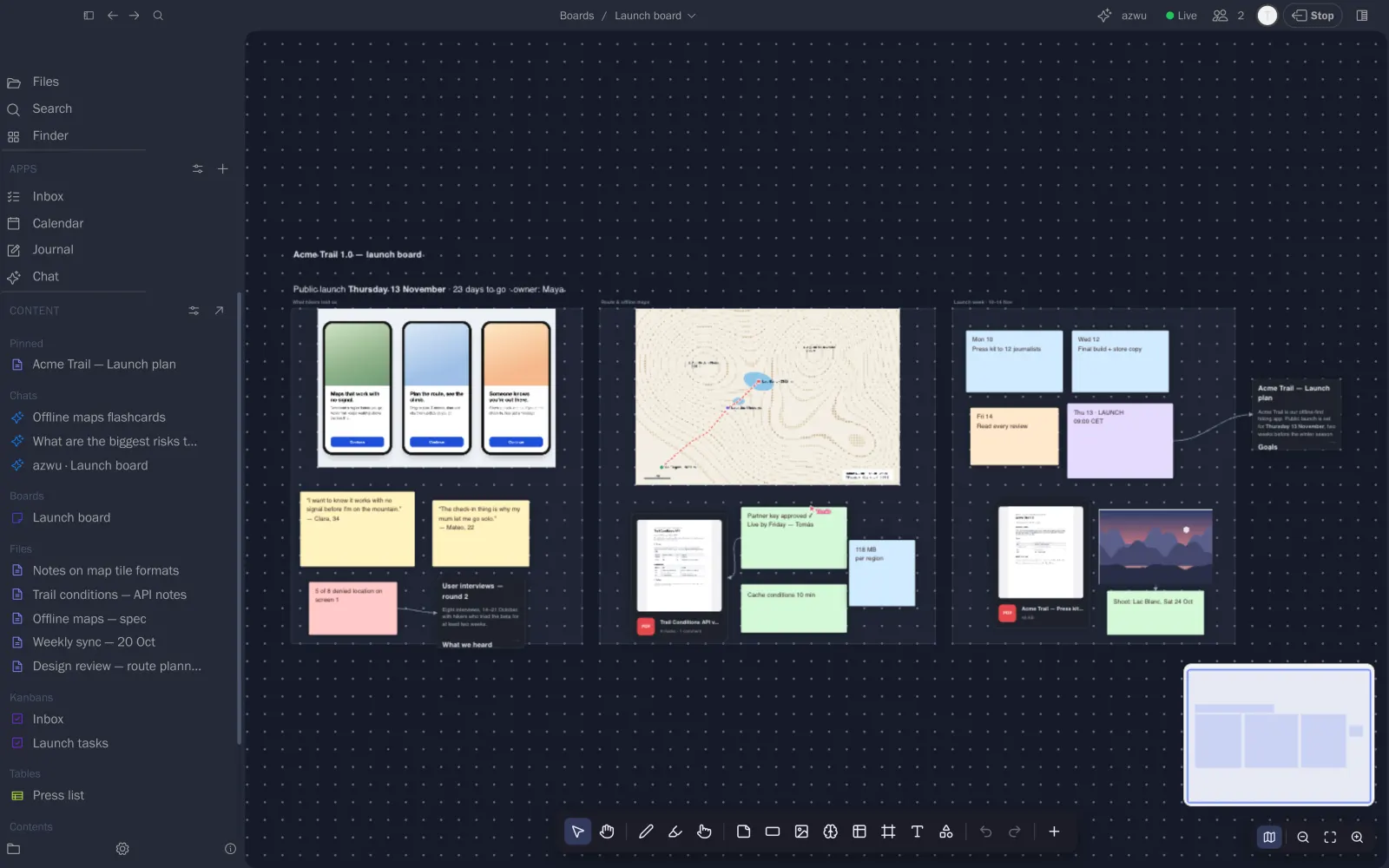
A board, with Tomás in it
Moves, stickies and cursors appear for everyone at once.
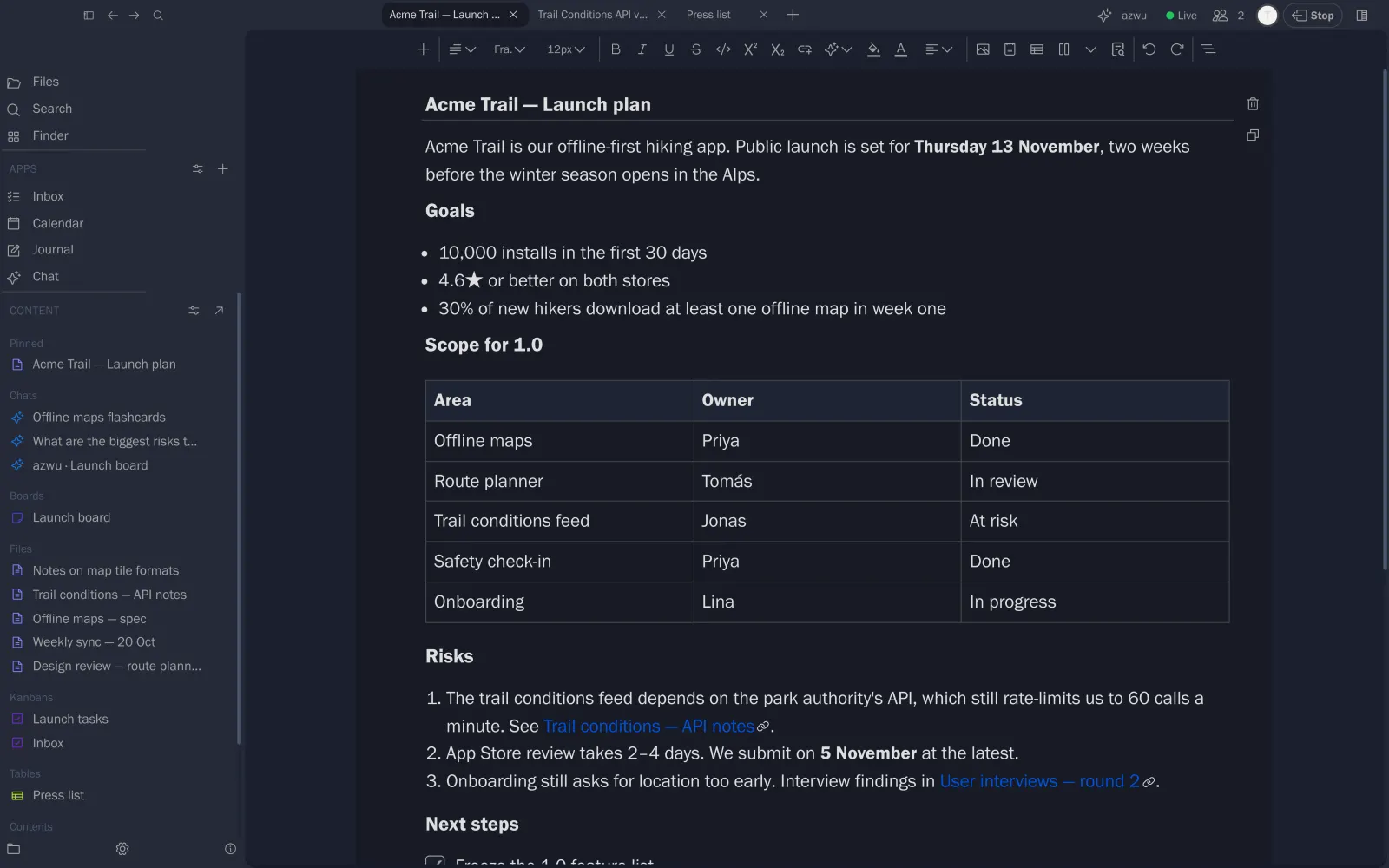
The plan, written together
Two people in one note, each change landing in the other’s editor.
Everything for a project, side by side.
Map the whole launch on one canvas.
Frames, stickies, images, PDFs and live note cards, connected by arrows.
- Stickies in any size and colour
- PDFs and images with previews
- Note cards that are the note itself
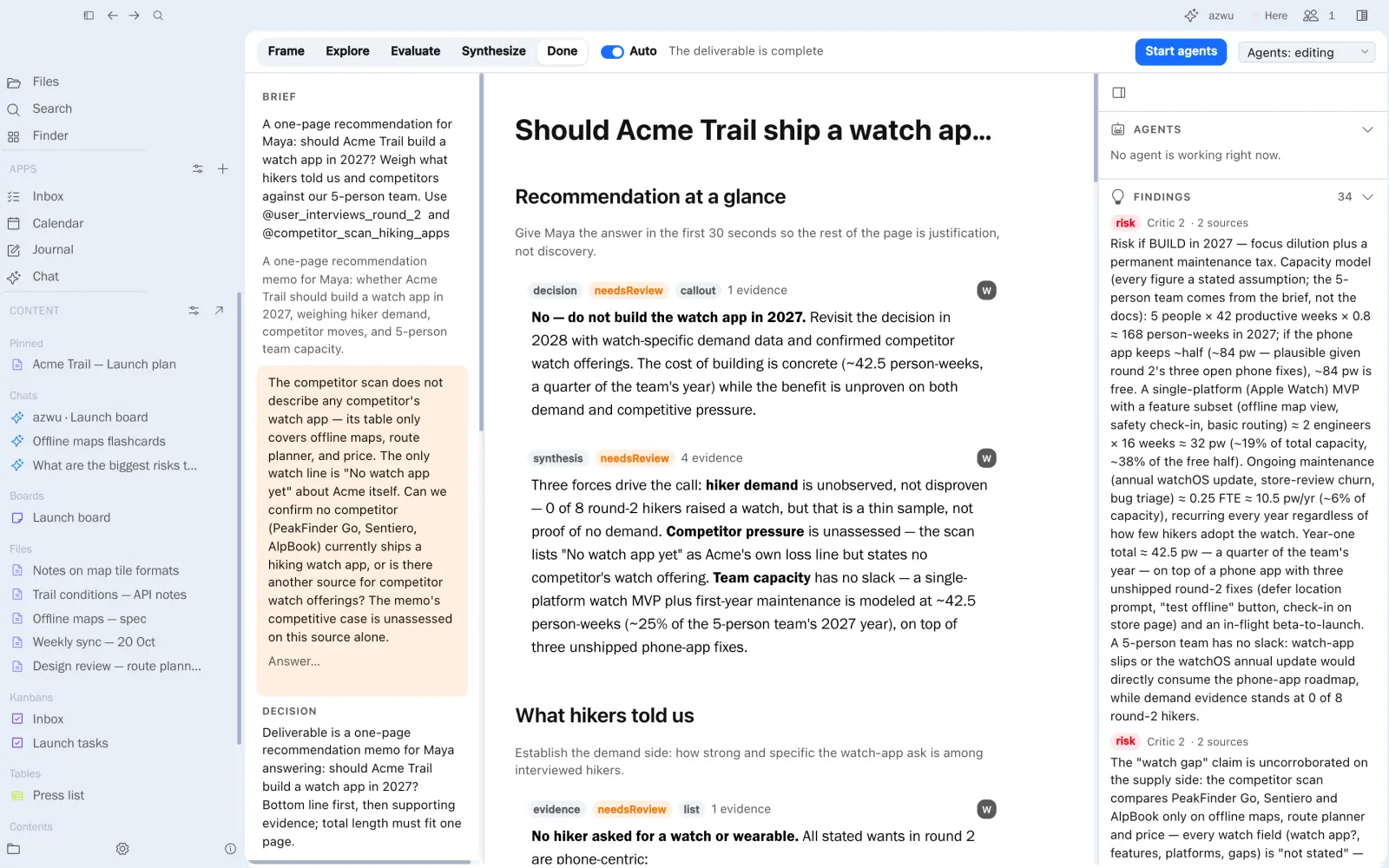
From a question to an answer you can defend.
Notebooks
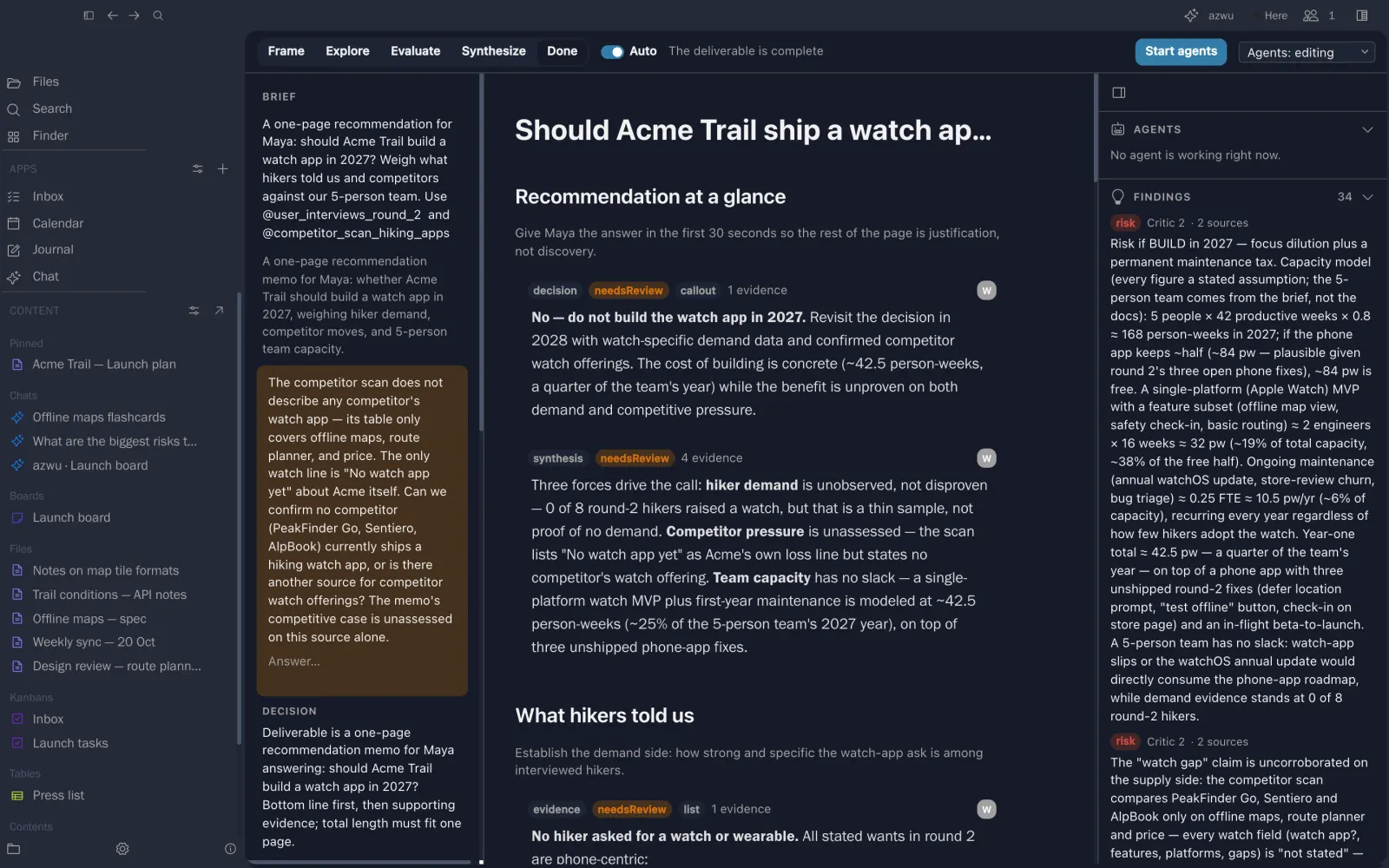
Give a brief and a team of agents frames it, researches your notes and writes the deliverable with you, stage by stage.
- Frame, Explore, Evaluate, Synthesize
- Researchers, an analyst and a critic as peers
- Every claim tied to its evidence
PDF reader
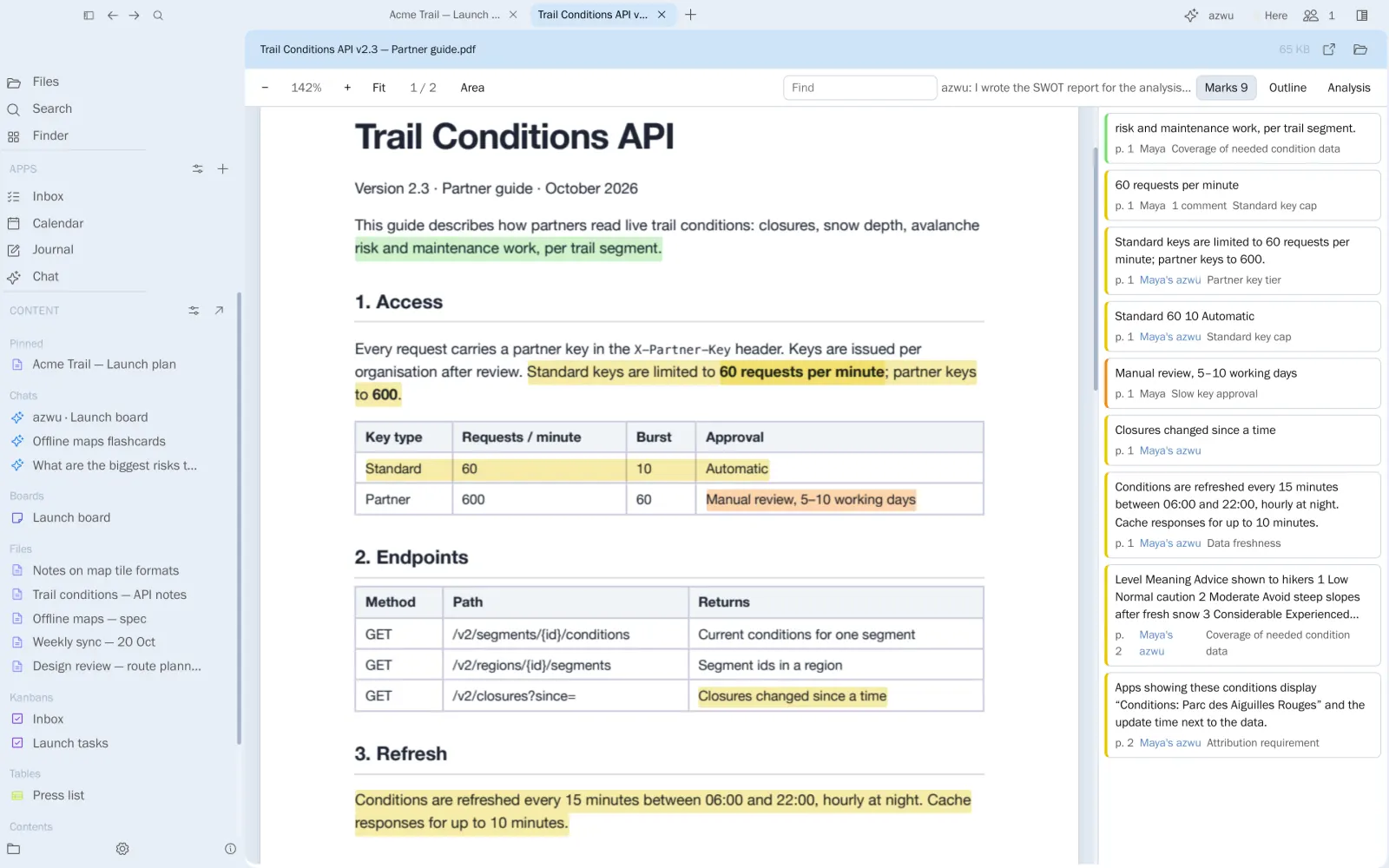
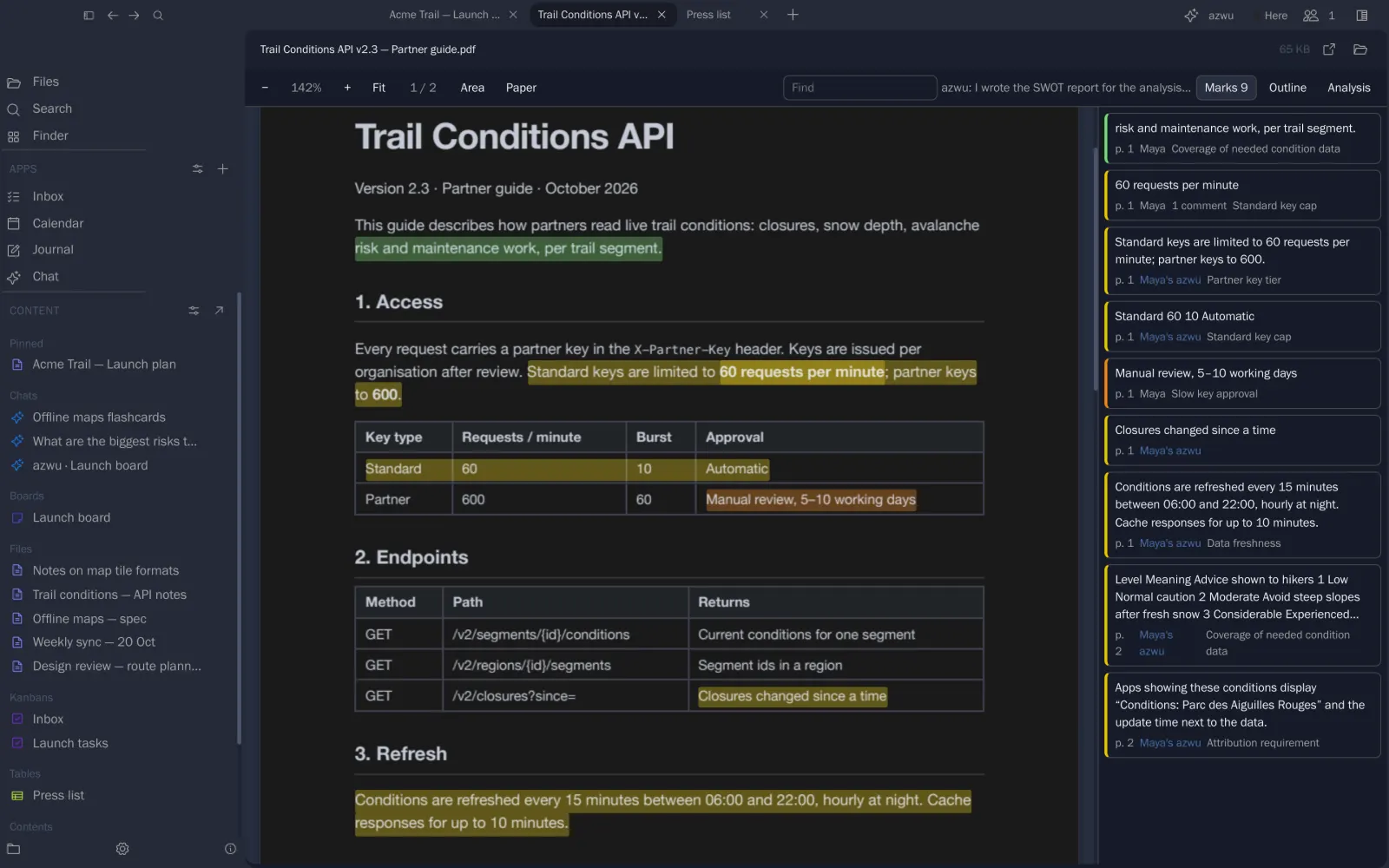
Highlight in eight colours, comment and reply, tag passages, then run an analysis method over the whole document.
- Marks and threads beside the page
- Outline, find and area capture
- Marks saved next to the PDF as Markdown
Tools that fit together.
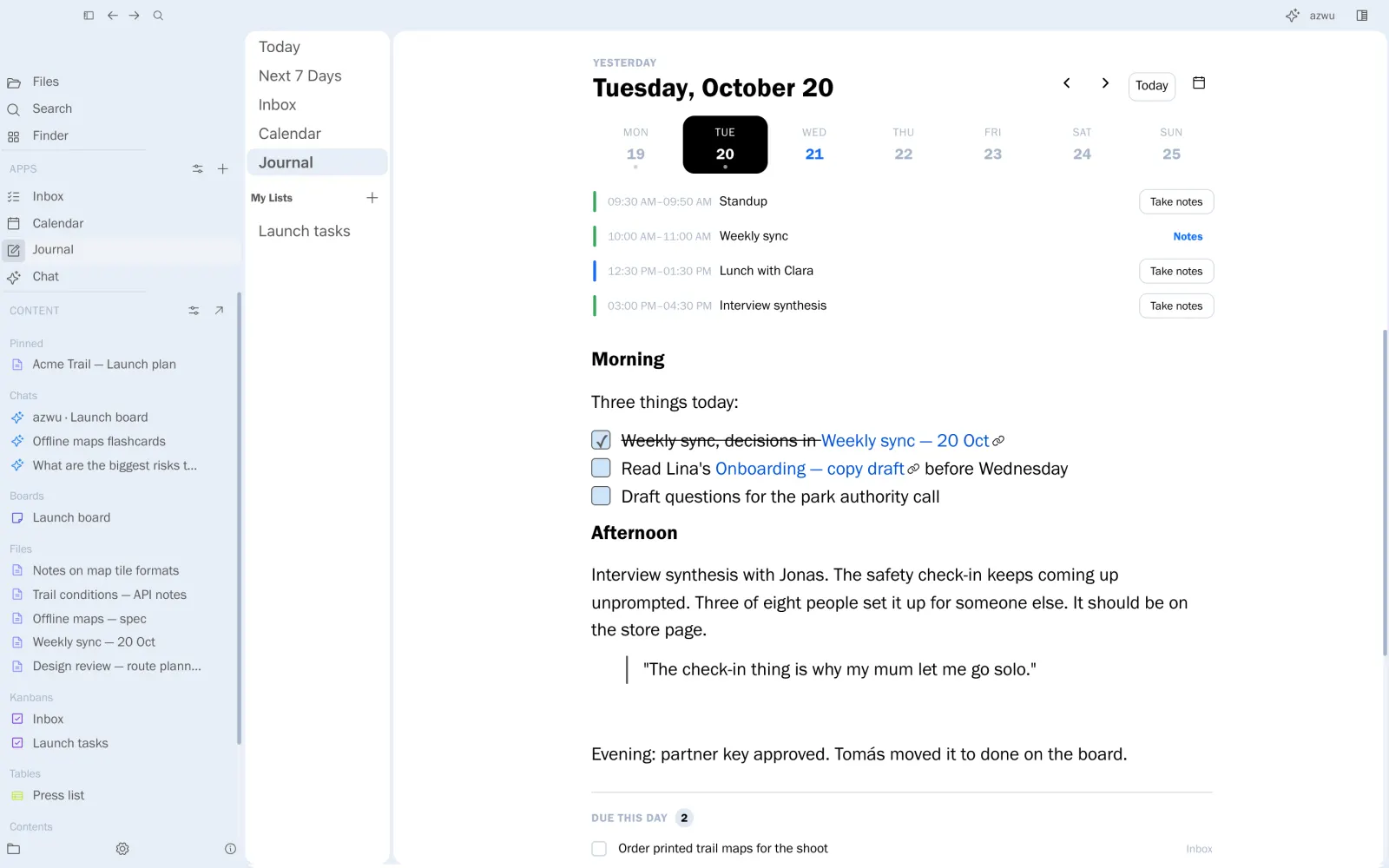
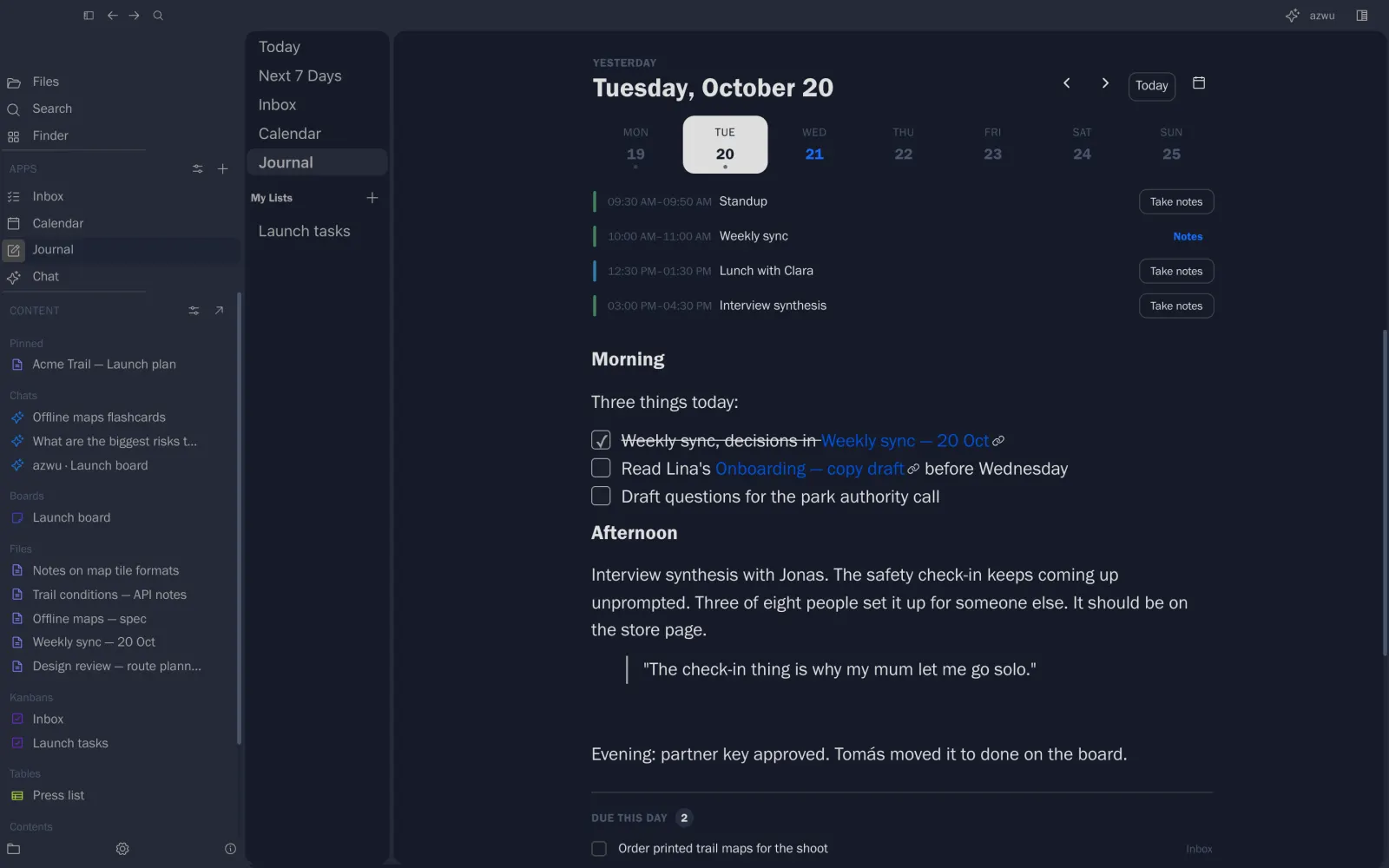
A journal that knows your day
Meetings on top, tasks due below.
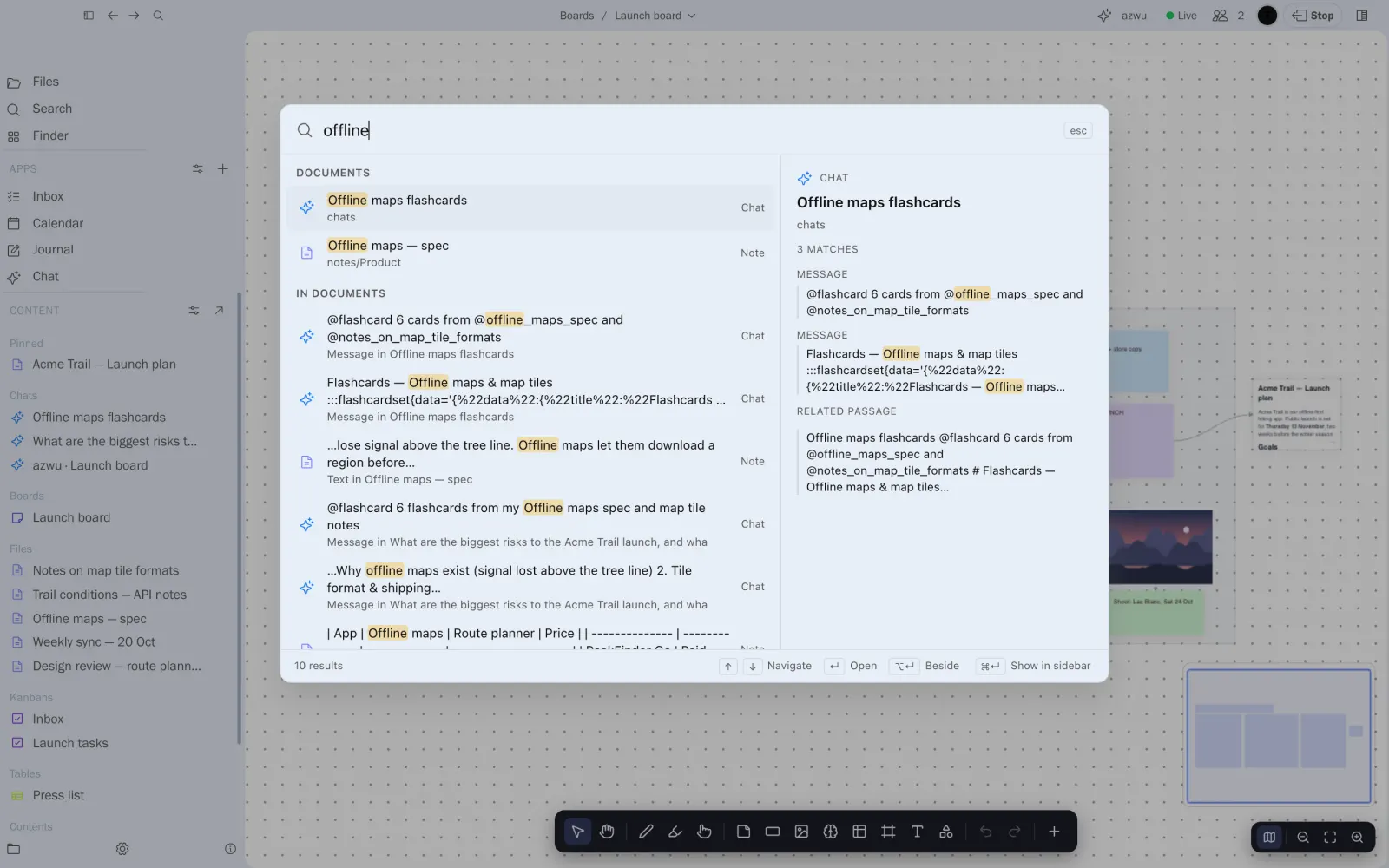
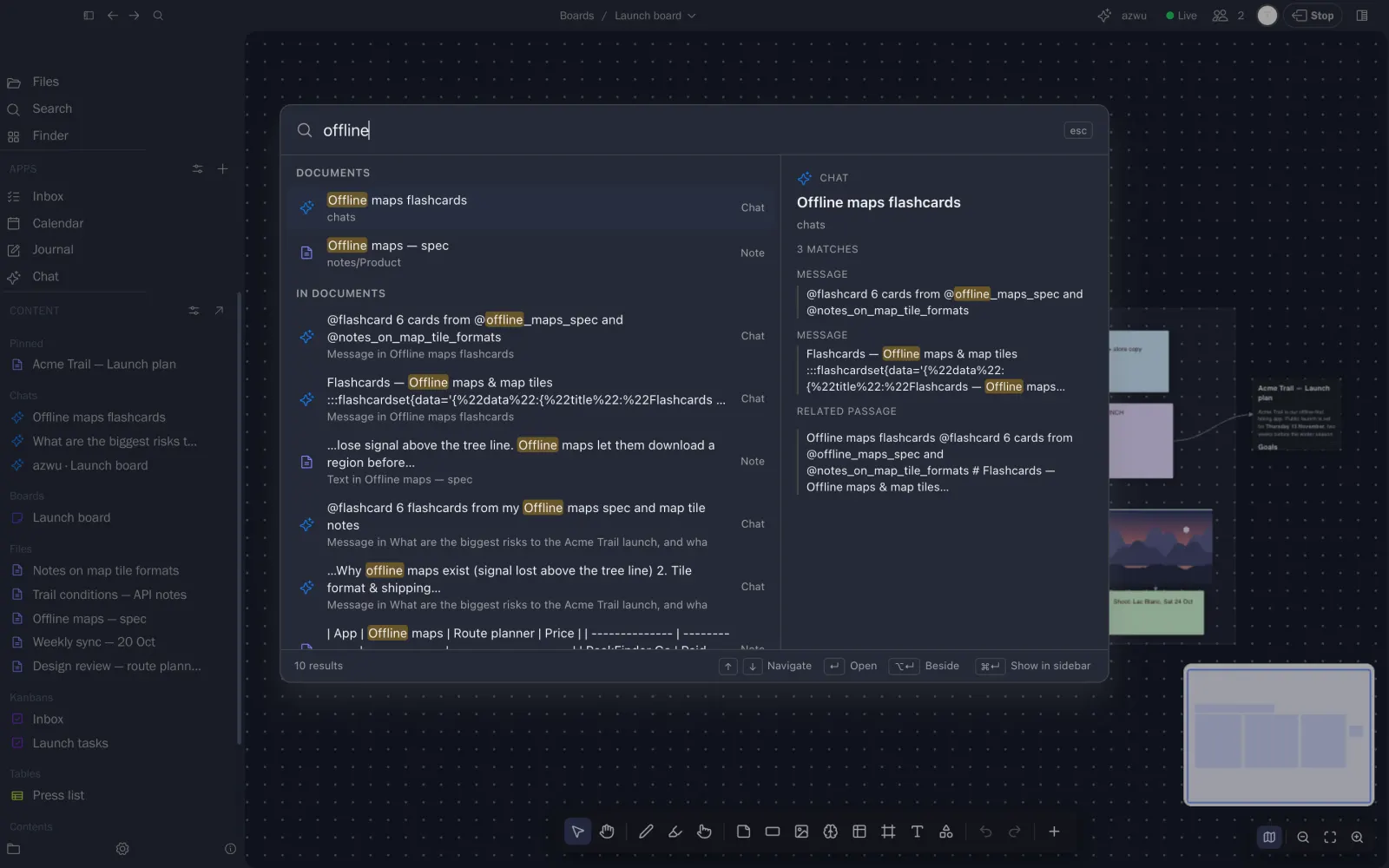
⌘K for everything
Notes, cards, chats and days, with previews.
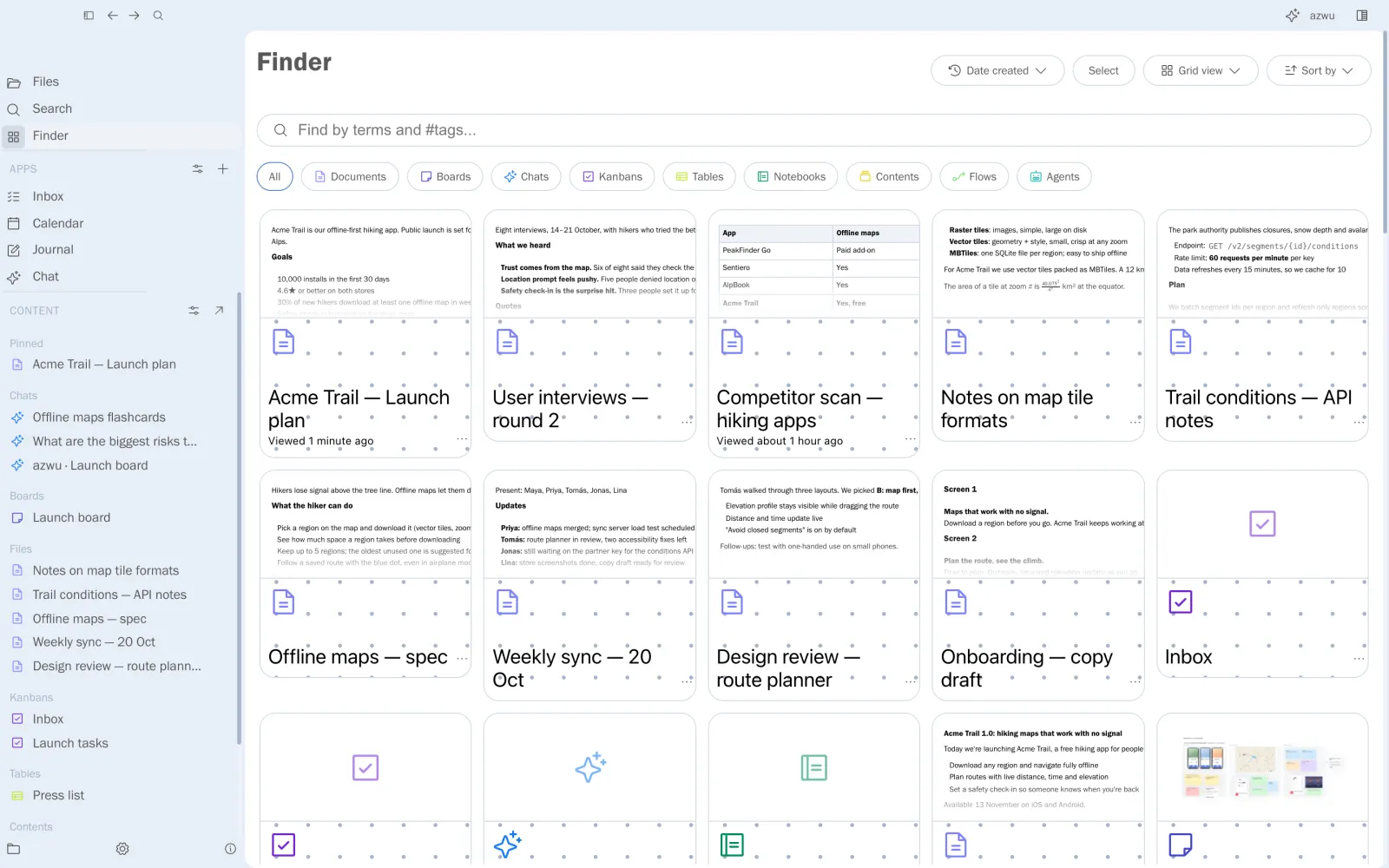
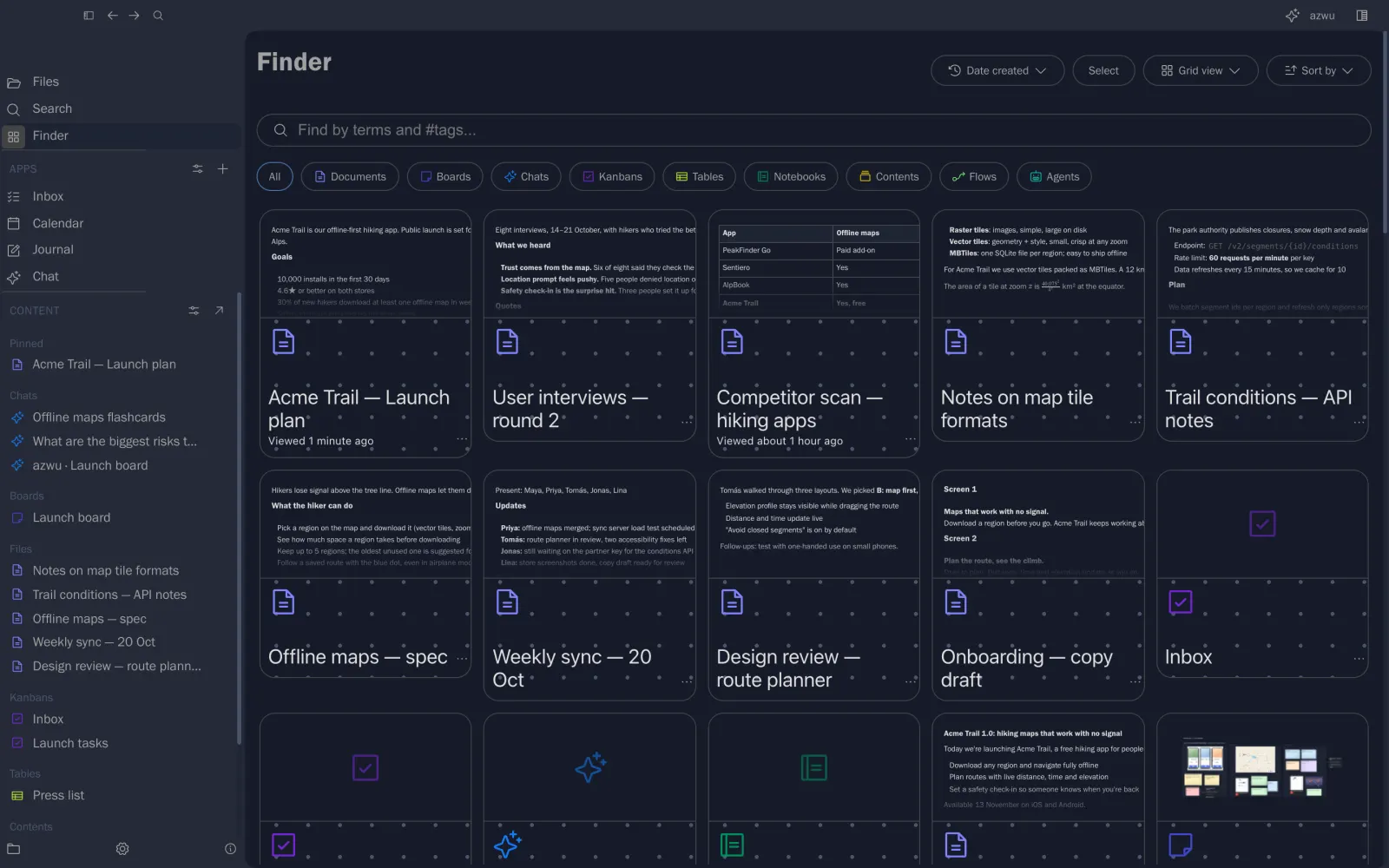
See it all in the finder
Every item as a card with a preview.
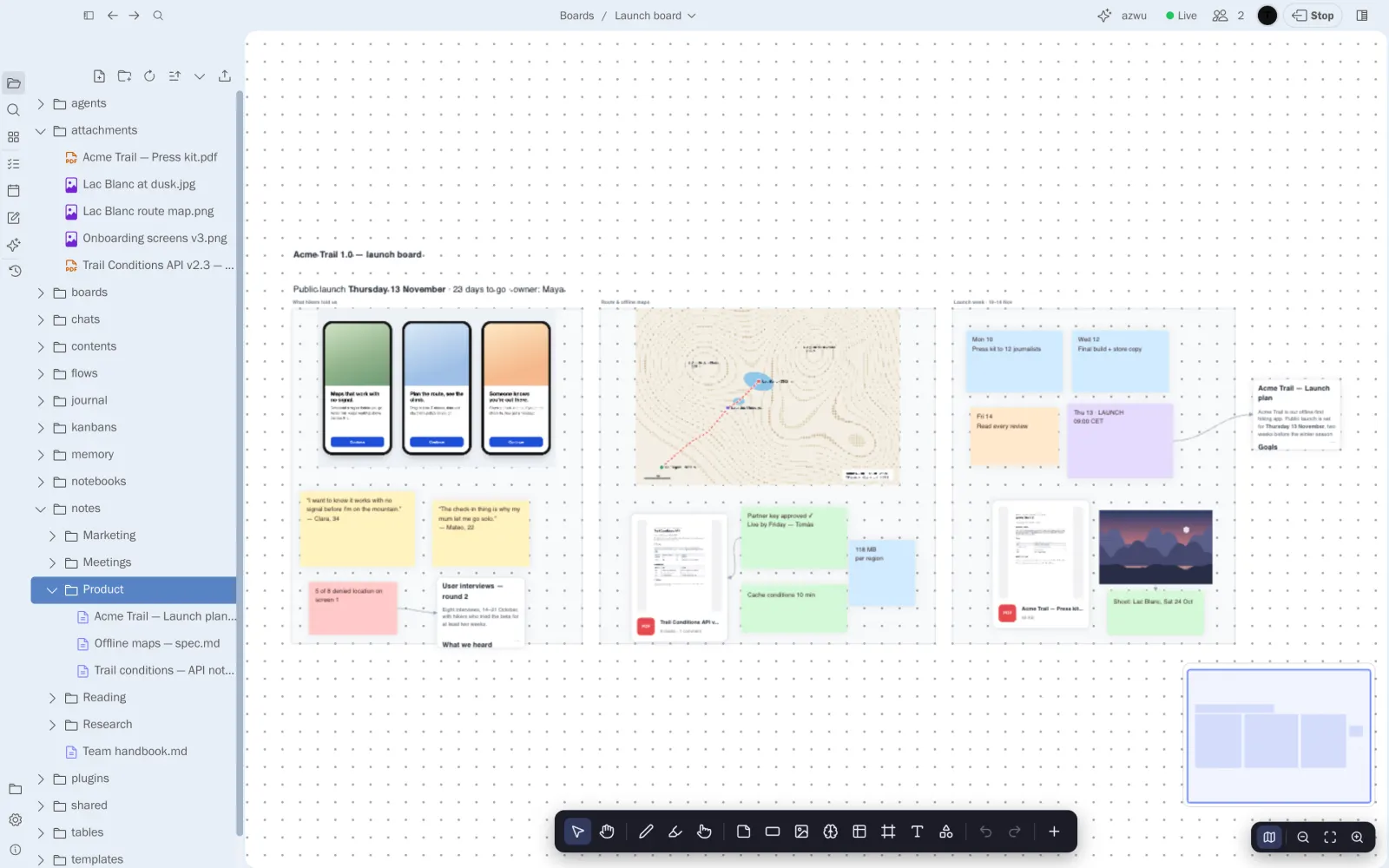
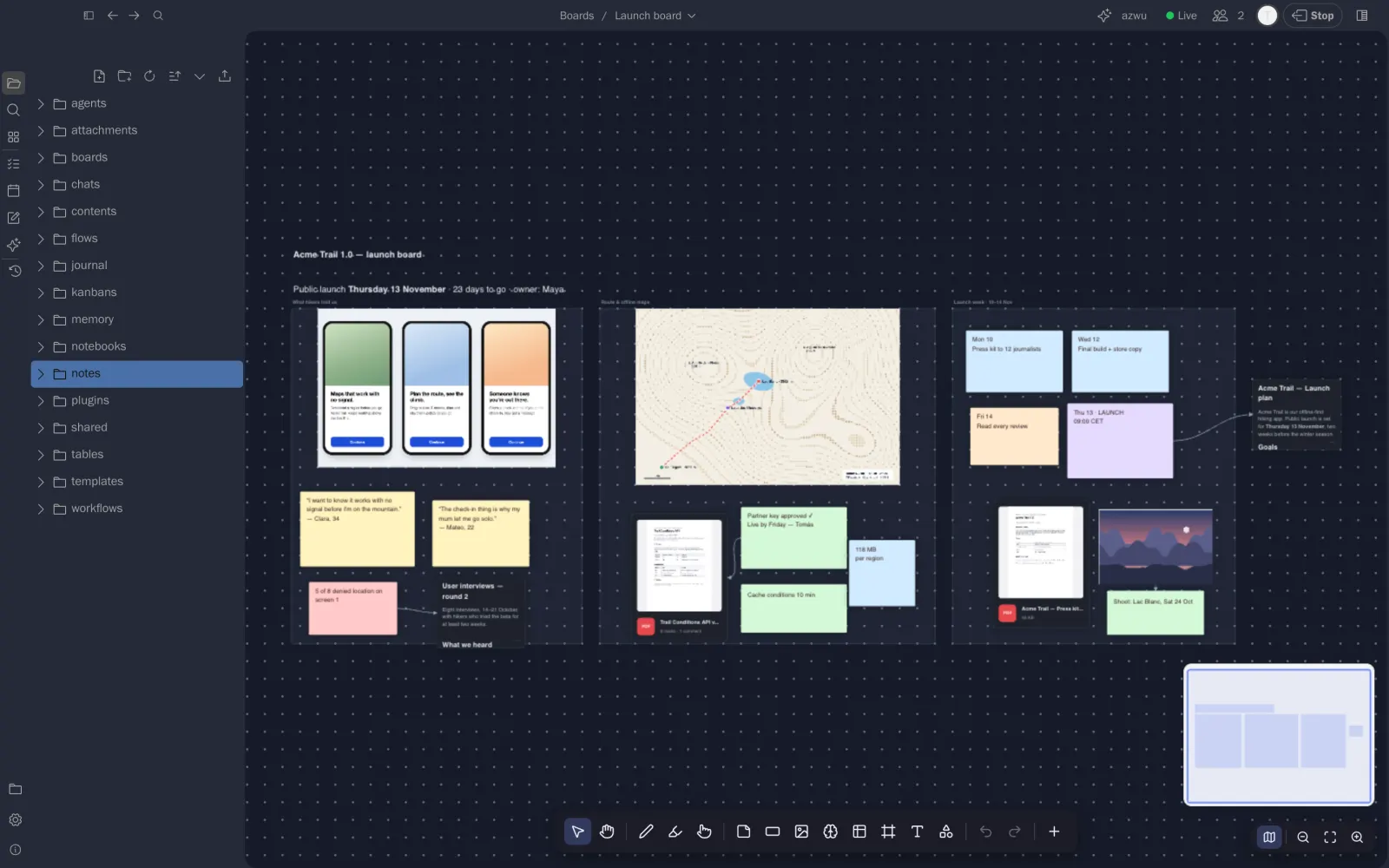
Your work is a folder. It stays yours.
Notes are Markdown, attachments are the files themselves, boards and tasks sit beside them.
Take the product tour
Follow a five-person team through their launch week, surface by surface.