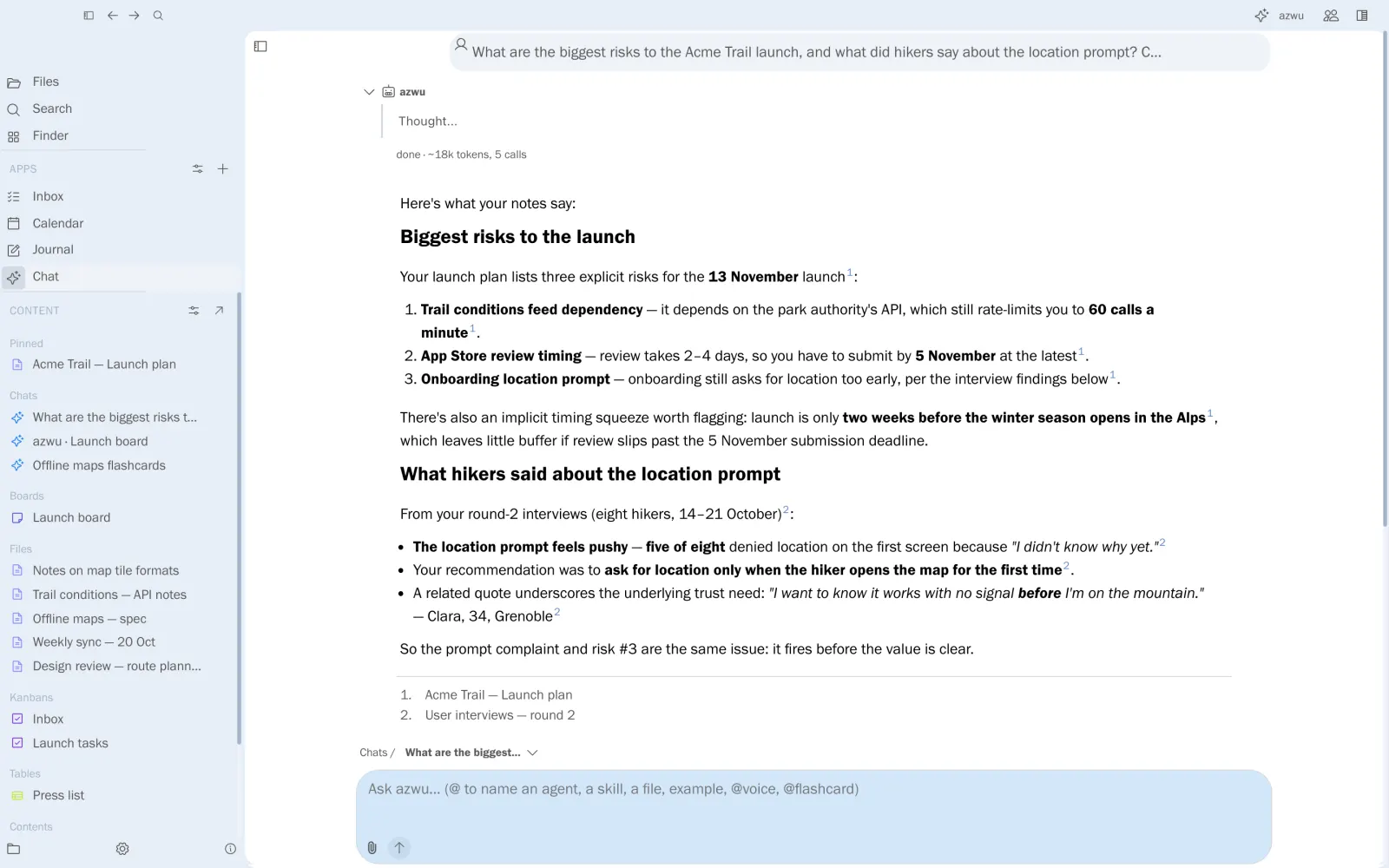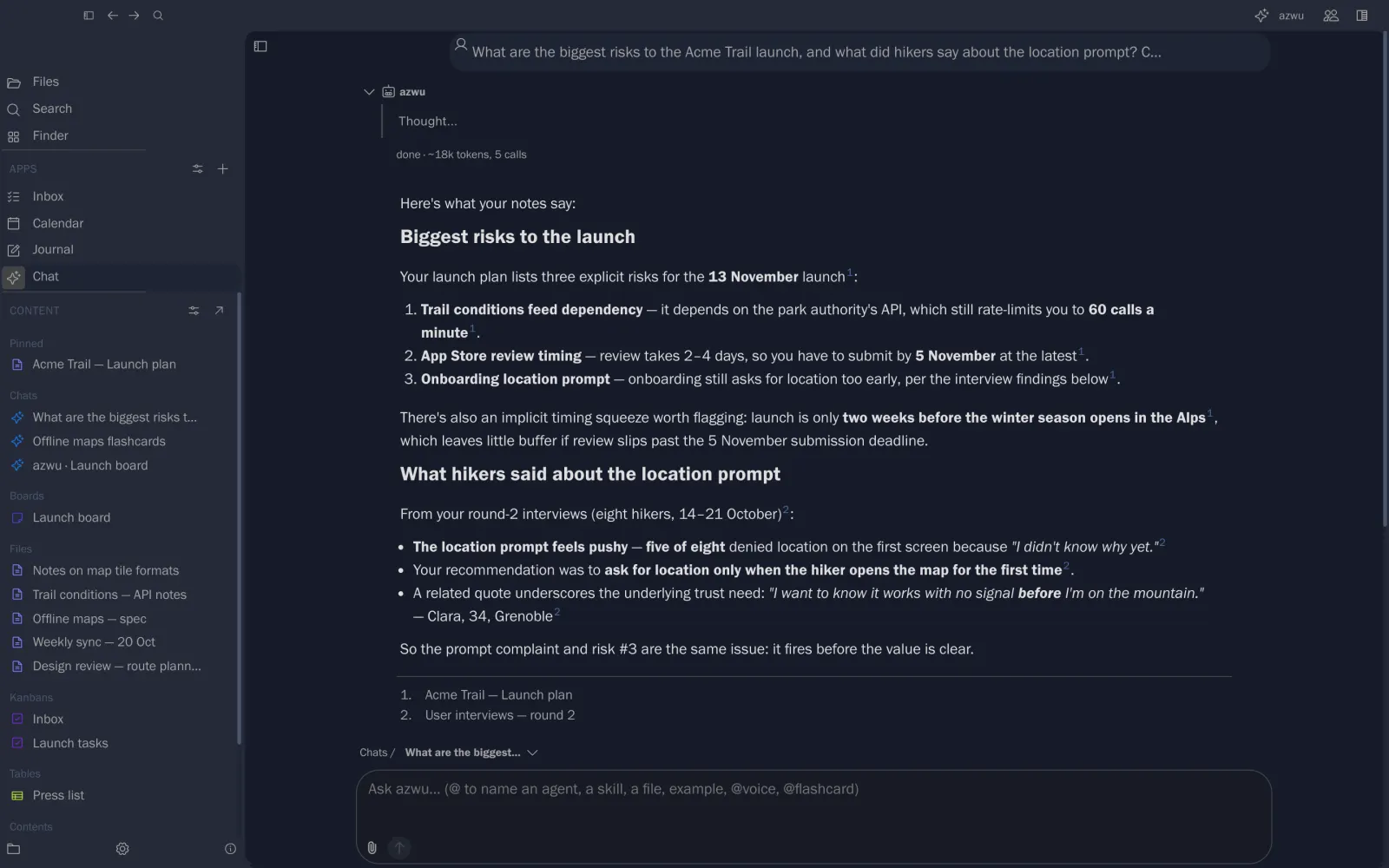
Ask azwu to do the work
Connect a model
azwu runs on a model you choose: a local model, or a provider you trust with your own API key.
- Open Settings from the gear at the bottom of the left rail.
- Choose the AI capability to set up (text, image, audio…).
- Click Add Model.
- Enter your API key.
- For a provider other than OpenAI, give its Base URL (for example
https://api.groq.com/openai/v1). - Enter the model name (for example
openai/gpt-oss-20b).
Any OpenAI-compatible provider works.