Keyboard shortcuts
Get around
Anywhere
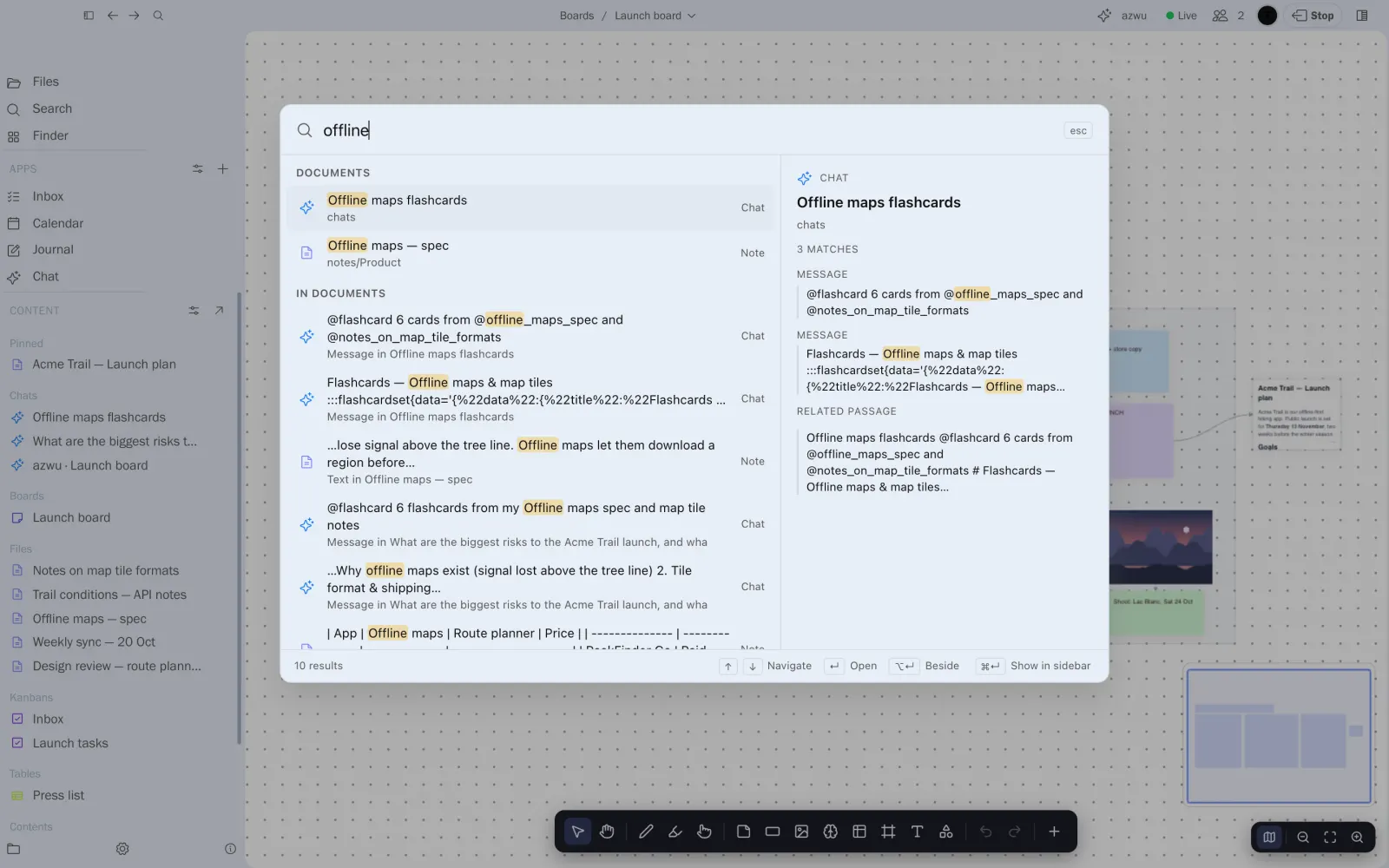
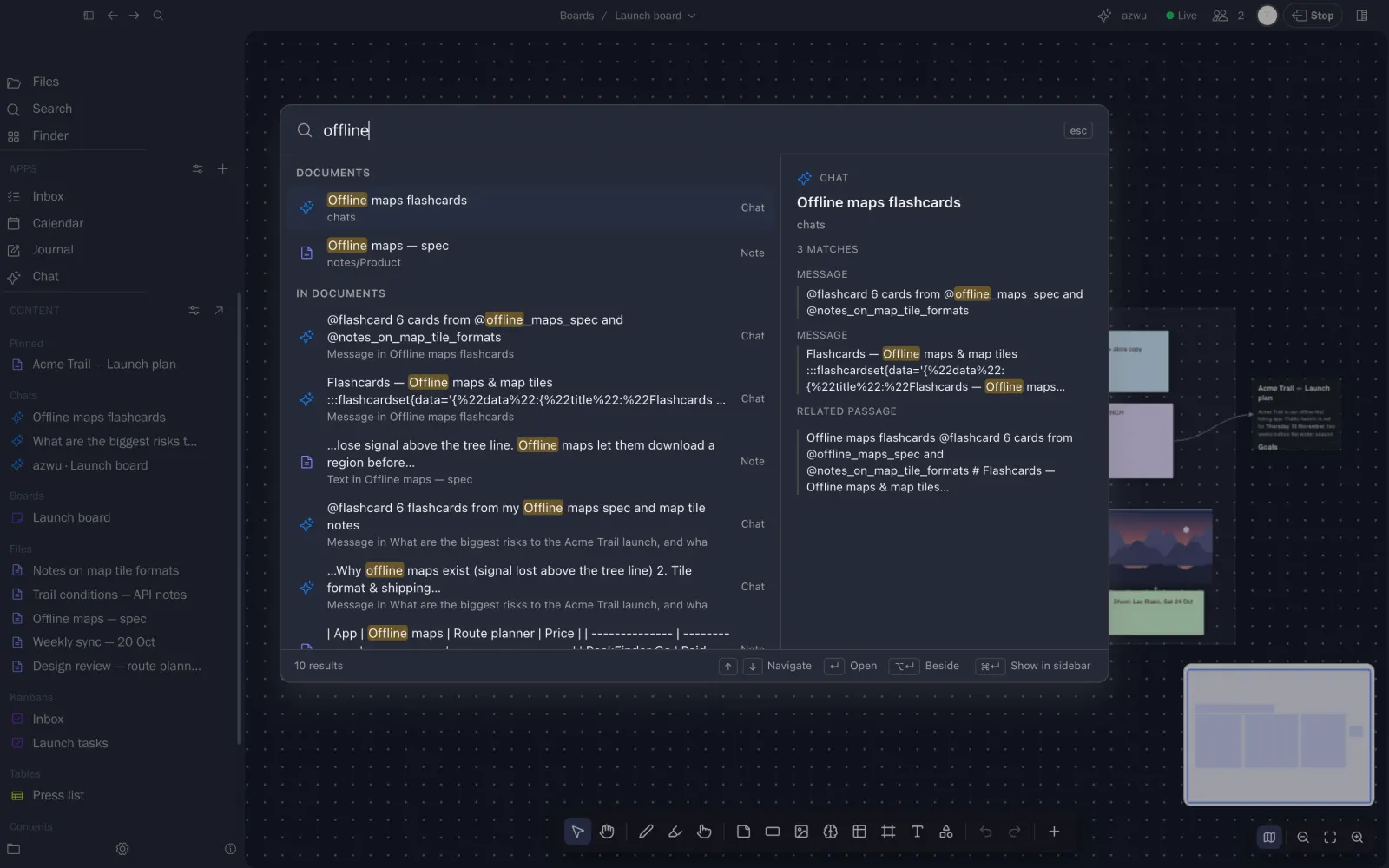
- ⌘K searches everything and runs commands
- ⌘, opens Settings
In the workspace
- ⌥⌘K shows or hides search in the sidebar
- ⌥⌘L shows or hides the side panel
- ⌥⌘T opens your journal
- ⌥⌘← and ⌥⌘→ go back and forward
These wait while your cursor is in a text box, such as a search field.
Forgot a key? Press ⌘K and type what you want to do. Most of these are commands there too.