Plan your week
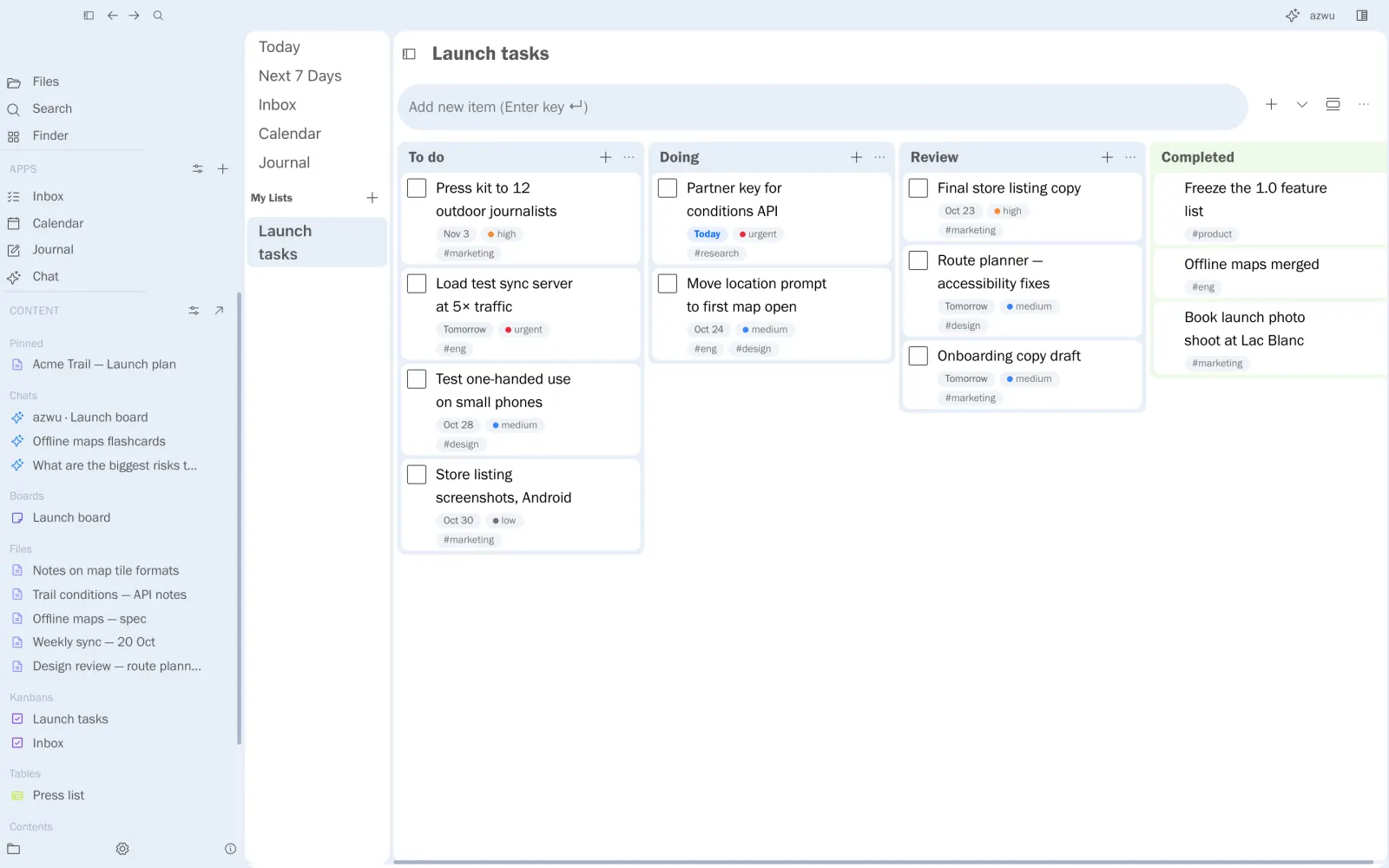
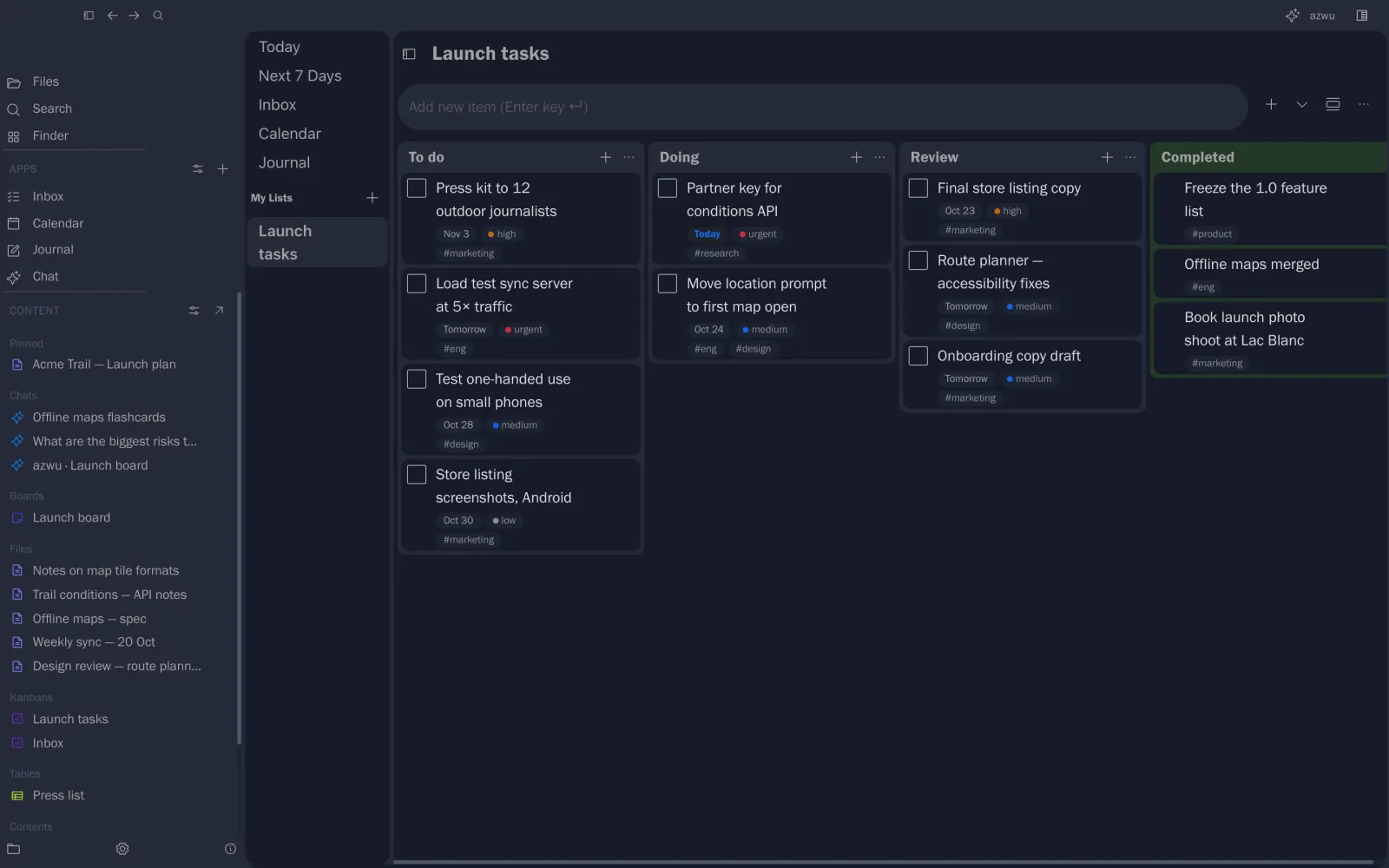
Tasks on a kanban
Create a kanban from + next to Apps, then:
- Name your columns: To do, Doing, Review…
- Add cards and drag them between columns.
- Give a card a due date, a priority and tags. They show on the card.
Finished cards move to Completed.
The inbox
Inbox in the left rail collects your personal tasks. Its Today and Next 7 Days views show what's due soon, with anything overdue at the top.