Research with PDFs
Open a PDF
Add PDFs to your vault, then open them from Files or from a board.
- Drop a PDF onto a board to place it as a card with its first page.
- ⌘-click a PDF to read it in the side panel, next to your board or note.
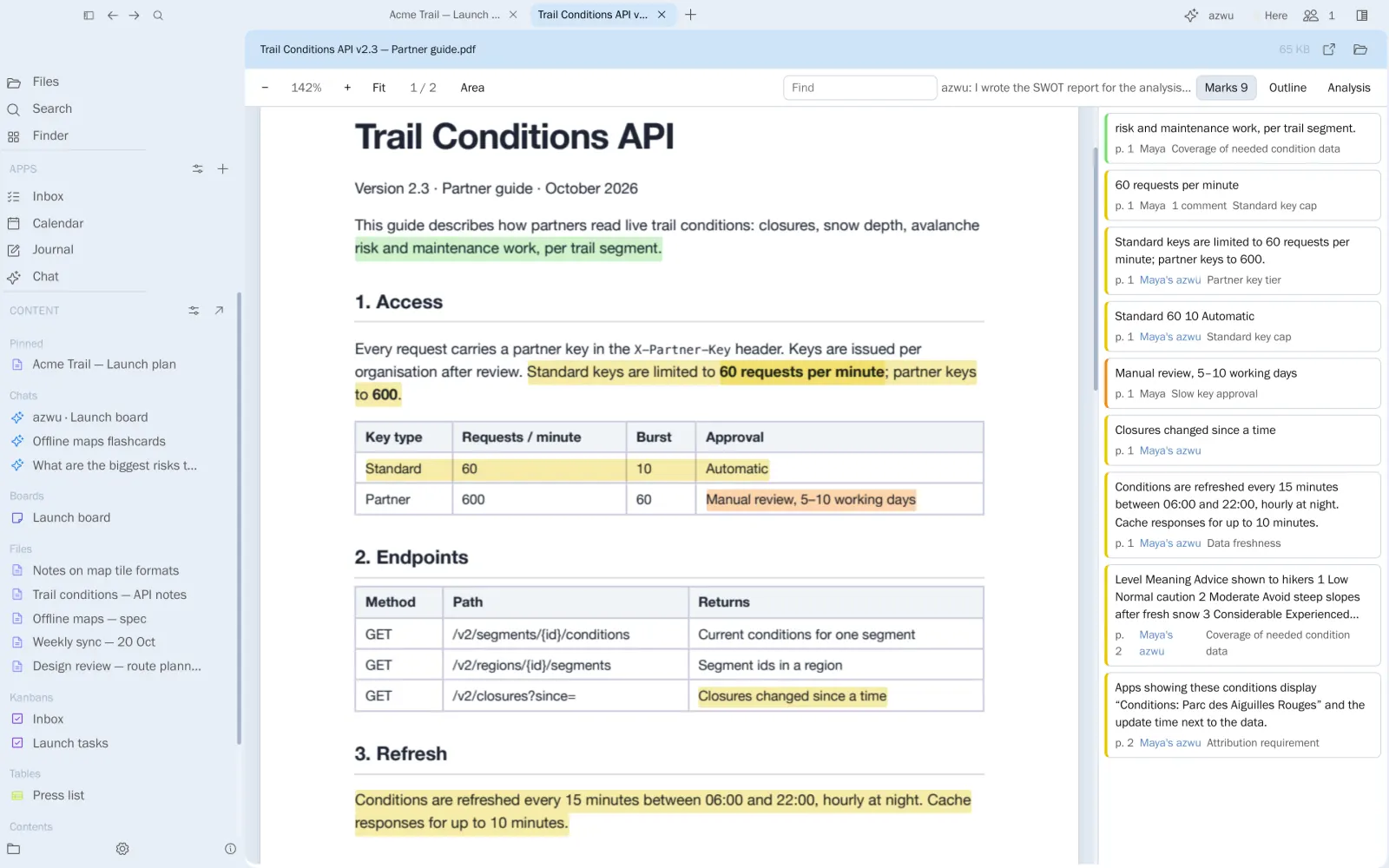
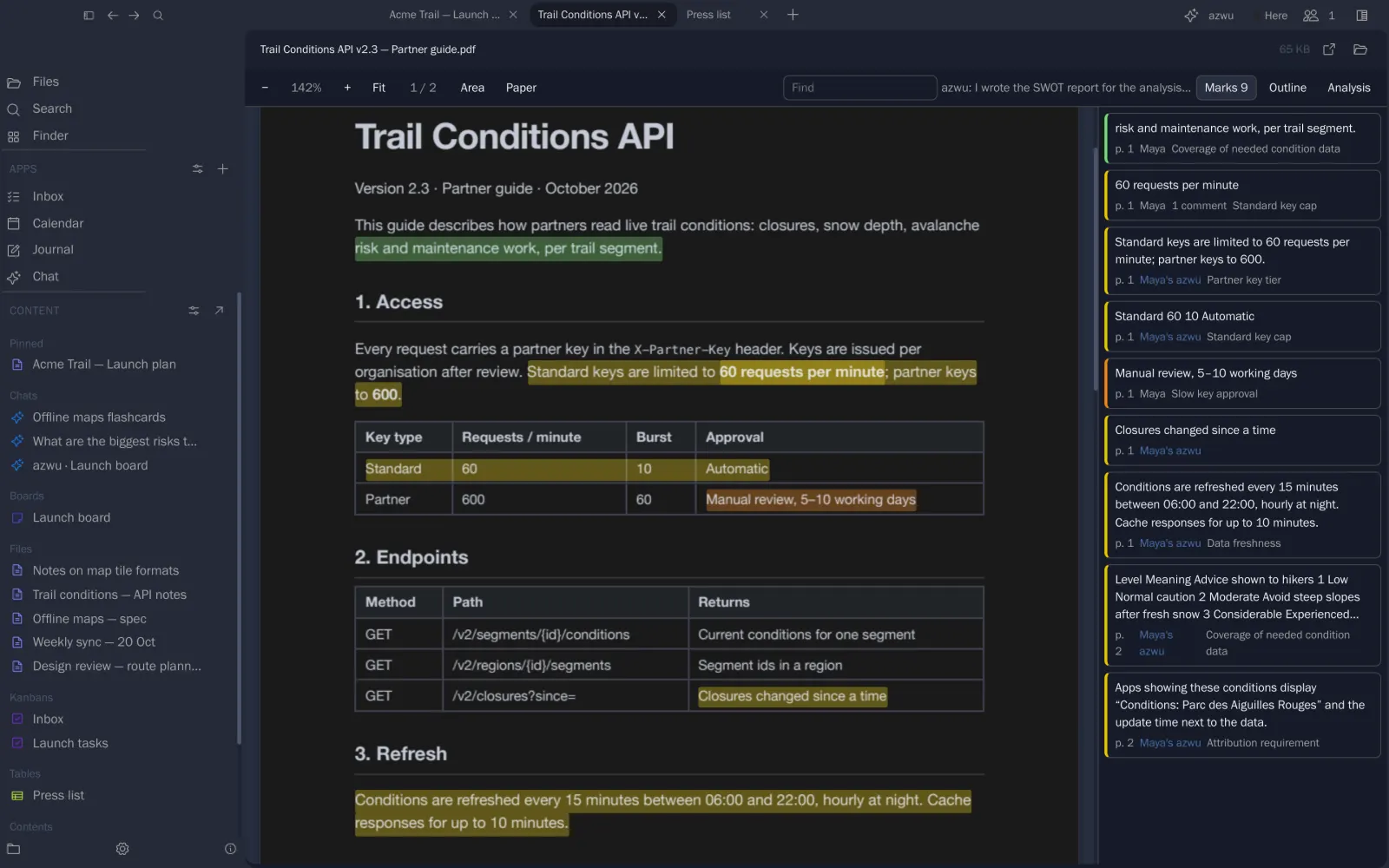
The toolbar has zoom, Find, Marks, Outline and Analysis.