Work together, live
Go live
- Open the item you want to share.
- Click the people icon in the top bar to open Share & collaborate.
- Click Go live.
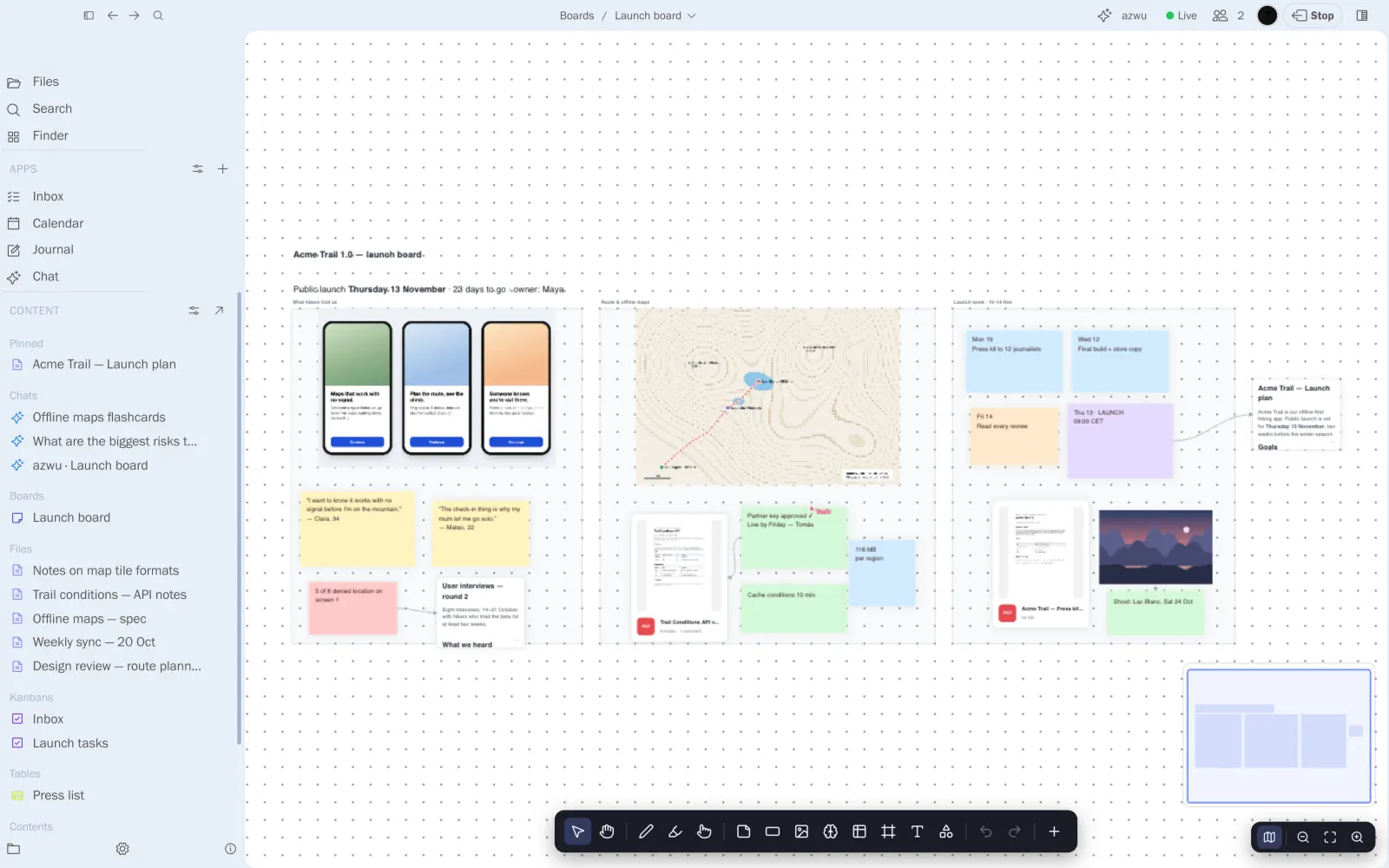
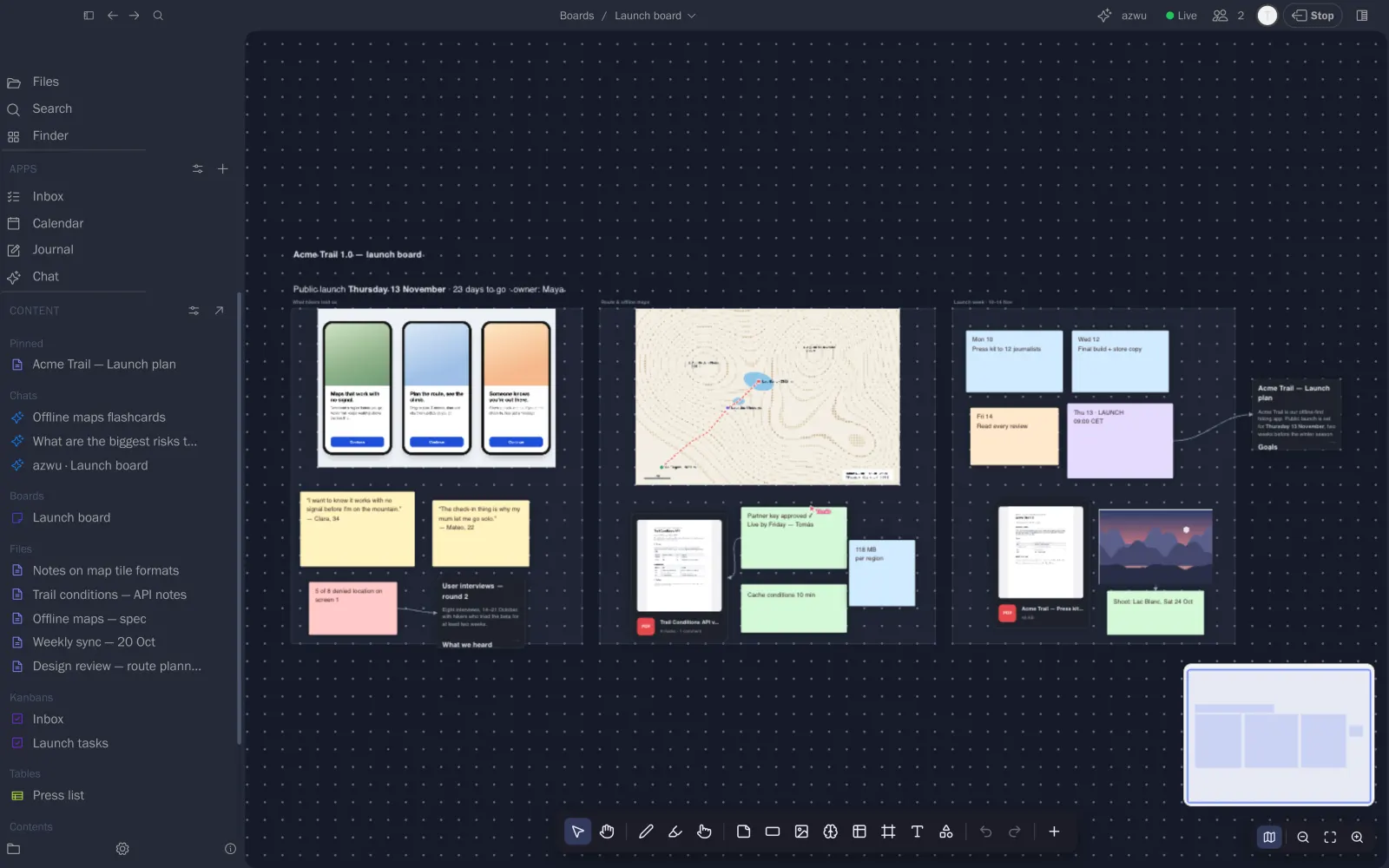
The item now shows Live in the top bar. You can keep working as usual.
Live sharing works for boards, notes, tables, notebooks and chats. It's part of Pinfig Pro.